
IT asset tracking for small teams
Small IT teams need speed and accountability: who has which laptop, where are spares, what’s in repair, and what changed over time.
IO connects assignments, locations, and lifecycle notes so audits and refresh cycles don’t become manual hunts.

Instant answers to “who has it?”
Cleaner onboarding/offboarding
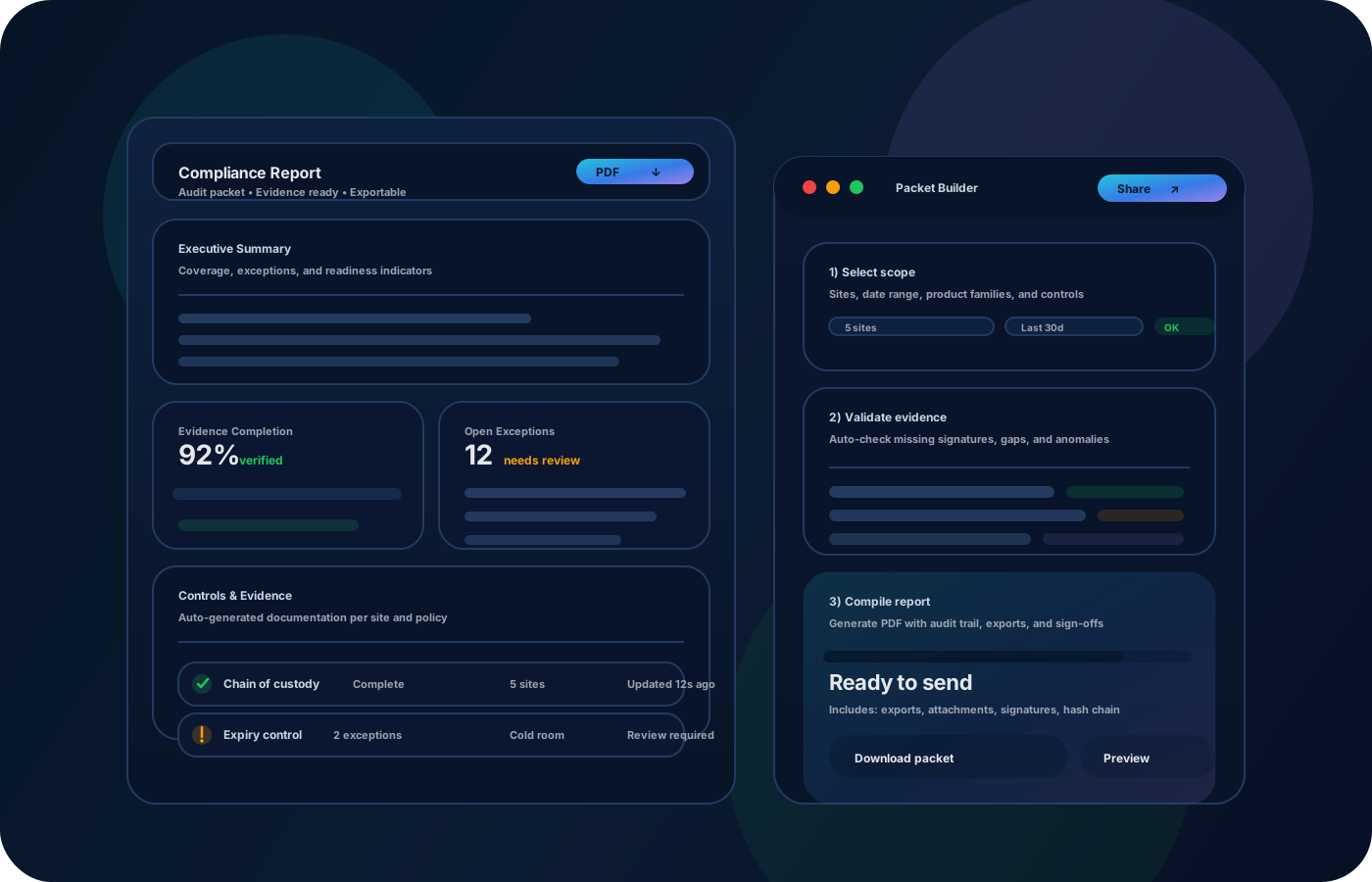
Audit-ready exports for reviews
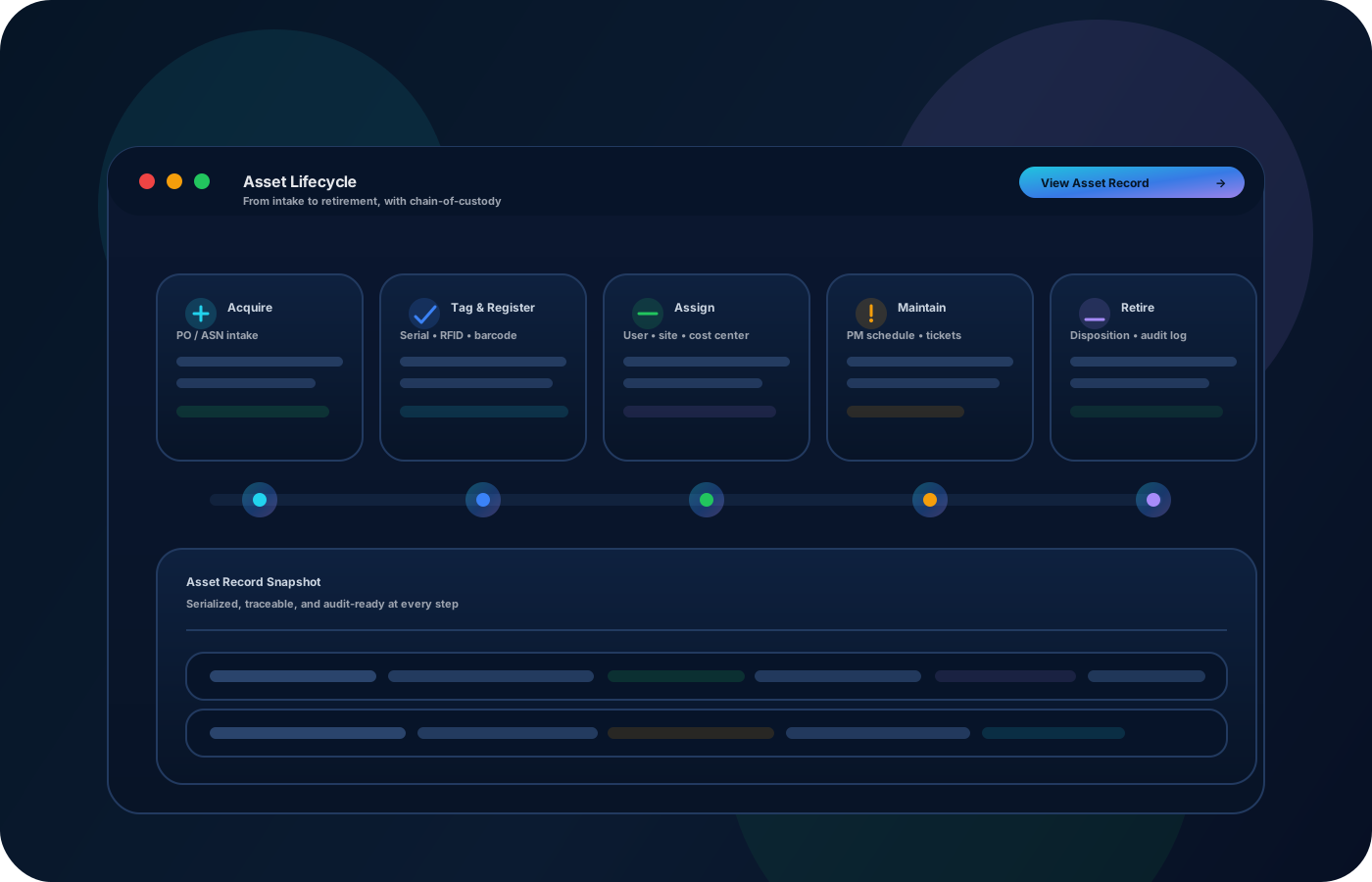
A simple IT asset lifecycle
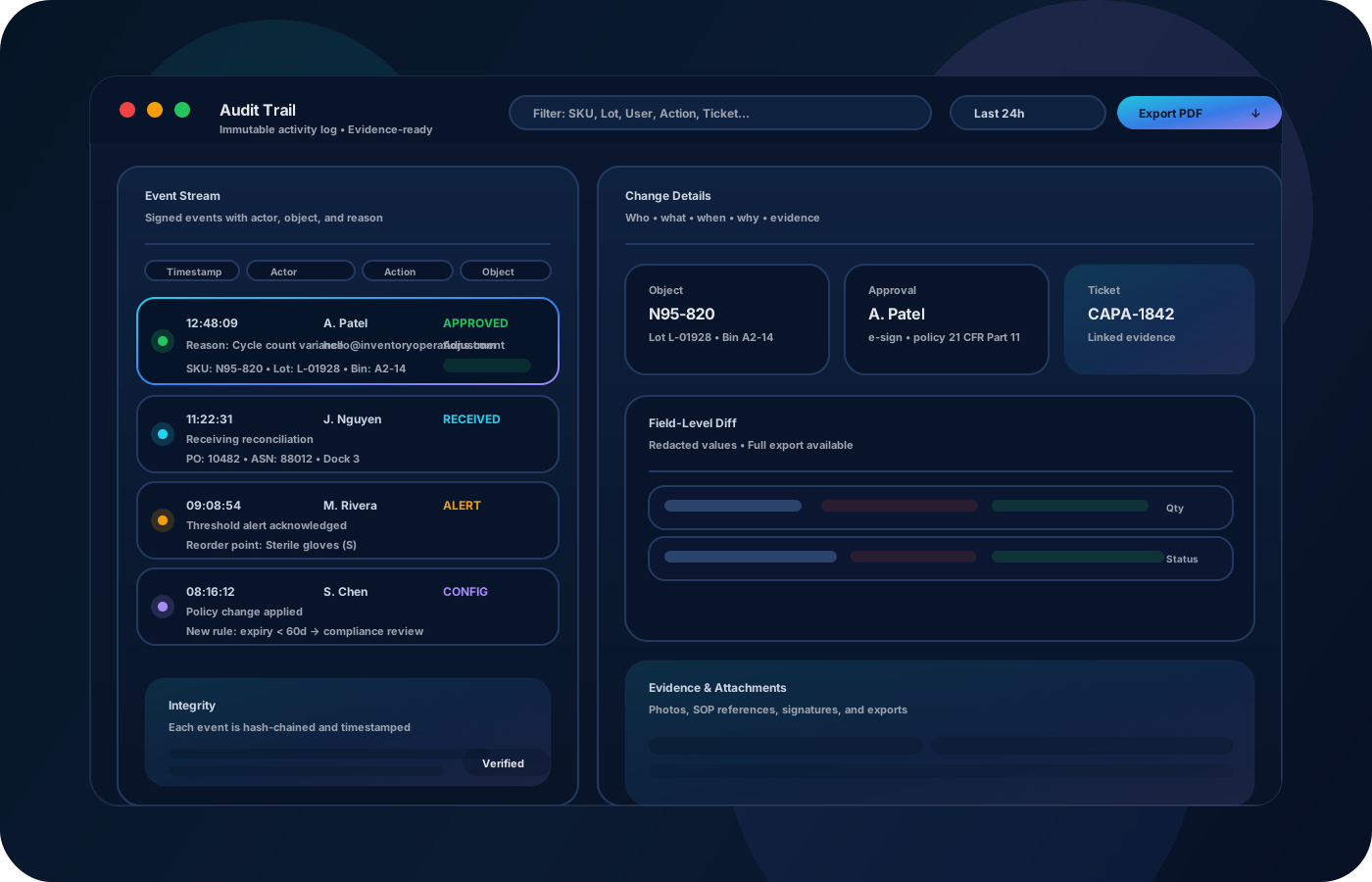
Keep custody history, status, and locations consistent so audits are fast.
Receive and register
Create device records at receiving so identity and history start clean.
Assign to users
Track who has what, with dates and changes, so custody is always clear.
Manage spares and repairs
Use statuses and locations to track spares, repairs, and vendor movements with notes.
Offboard with a checklist
Standardize returns, wiping, and reissue steps so nothing gets lost between hands.
What to track for IT
Focus on custody, status, and lifecycle events—not just a static list.
- Devices with serials/tags and home locations
- Assignments by user and department
- Status (in service, spare, repair, retired)
- Transfers between offices and storage
- Lifecycle notes (repairs, incidents, returns)
- Exportable audit and refresh reports
Built for audits and handoffs
Custody trail, lifecycle flow, and review-ready exports.
Typical outcomes for IT teams
Less searching, fewer lost devices, and faster audits.
Fewer lost laptops and peripherals
Faster onboarding and offboarding
Cleaner spare and repair tracking
Audit-ready exports without manual work
Checklist: offboarding and returns
Standardize device returns so custody stays clean and nothing is missed.
IT asset offboarding checklist
Printable checklist + tips
FAQ for small IT teams
Common questions about custody, spares, repairs, and audits.
Can we track spares and repair status?
Yes—use statuses and locations to track in-service, spare, repair, and retired devices with notes.
Does this help with audits?
Yes—custody history and exports reduce manual reconciliation during audits and inventory checks.
Can we track peripherals too?
Yes—track any asset type (monitors, docks, shared devices) with assignment and location history.
How do we keep custody clean?
Standardize assignments and returns with a checklist and keep transfers destination-based.
Can we start small?
Yes—start with laptops and core peripherals, then expand to facilities gear and shared equipment.