
Oversells and stockouts
When availability is wrong, orders fail and customer support spikes. Improve accuracy with consistent receiving, transfers, and counts.
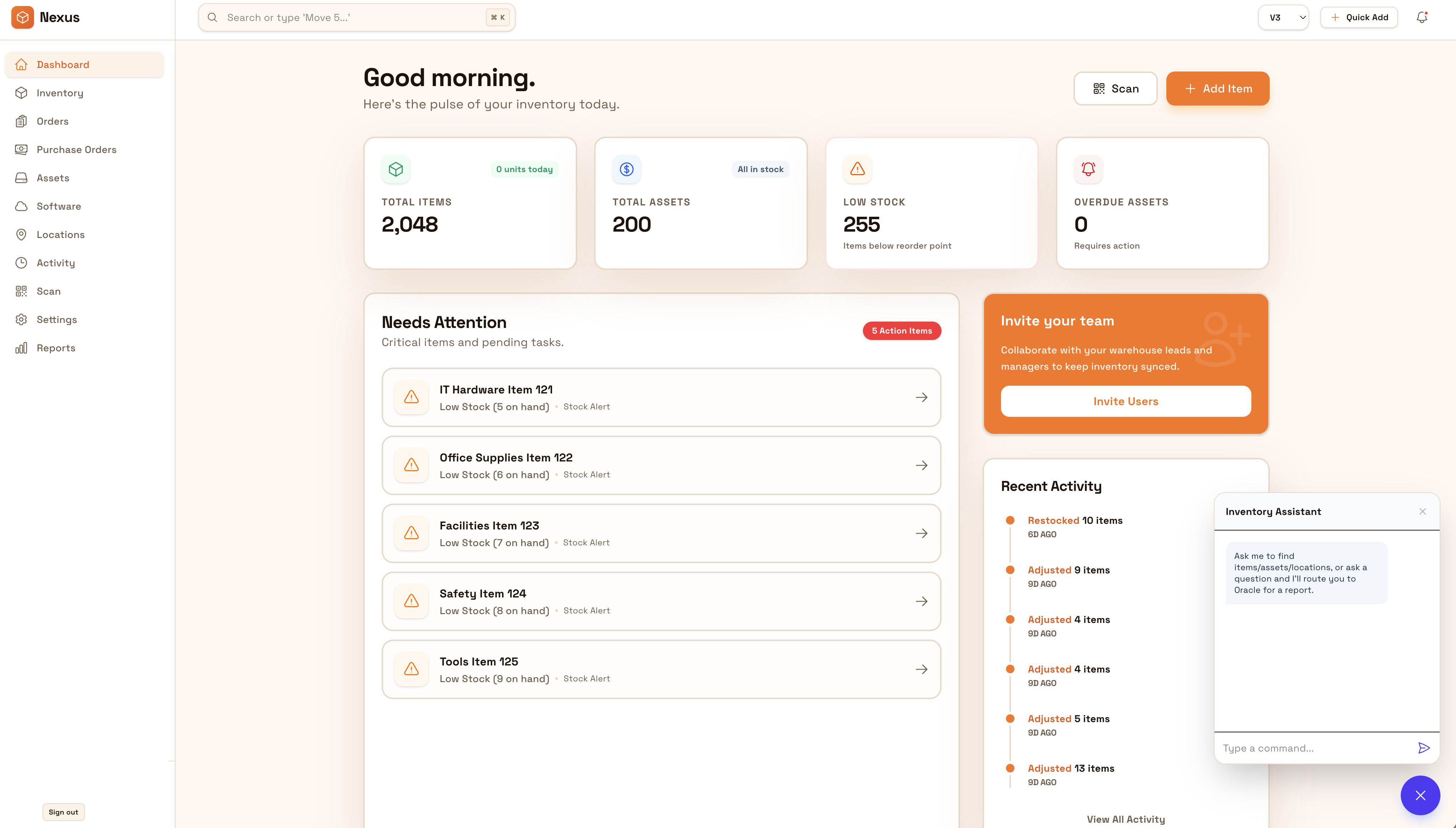
Keep stock accurate across warehouses, stores, and backrooms so availability stays trustworthy. Reduce variance that causes stockouts and oversells by standardizing receiving, transfers, counts, and reconciliations.
Keep availability trustworthy across warehouses, stores, and backrooms. Standardize transfers and cycle counts so you reduce oversells, stockouts, and customer support churn.


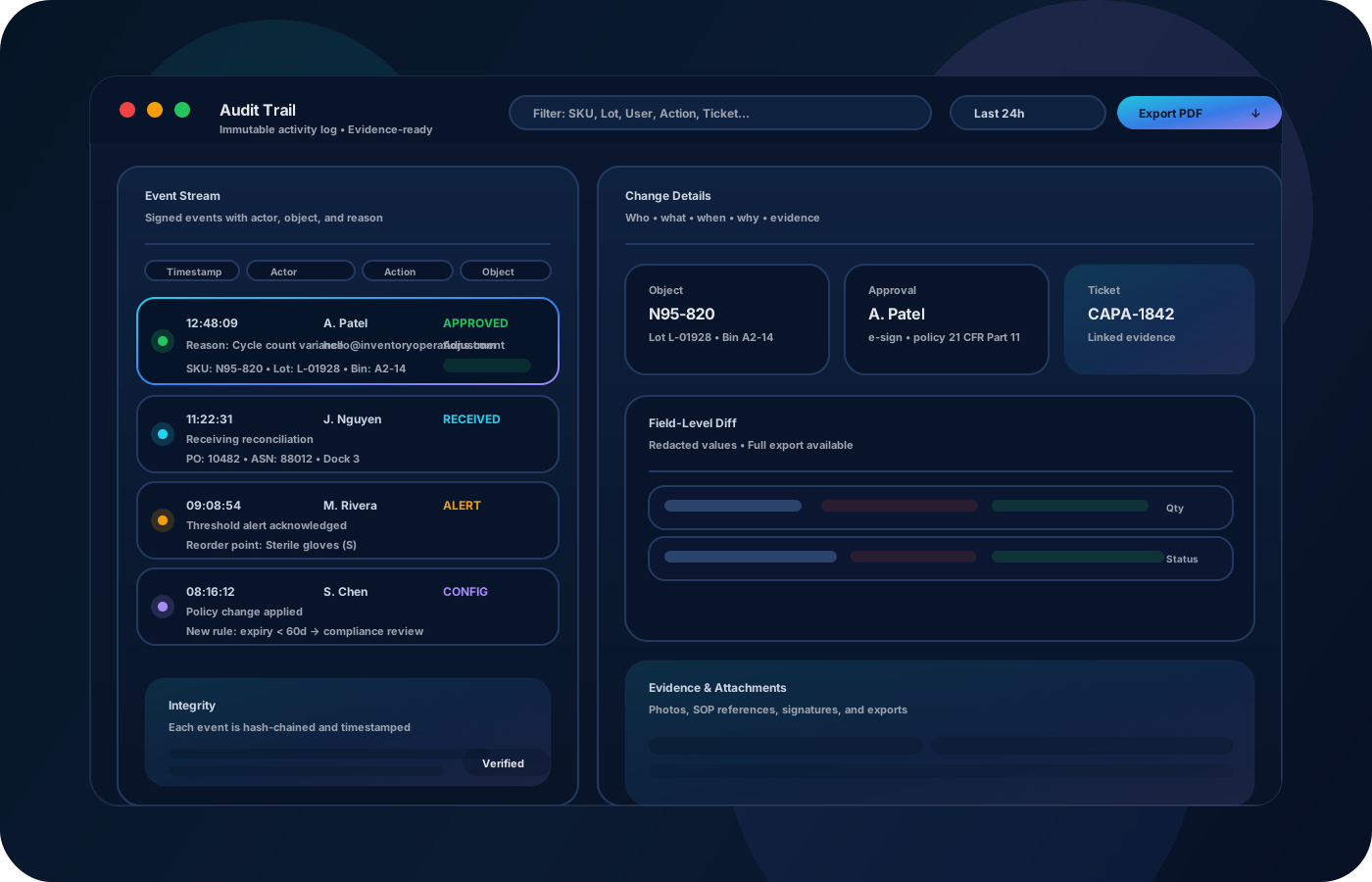
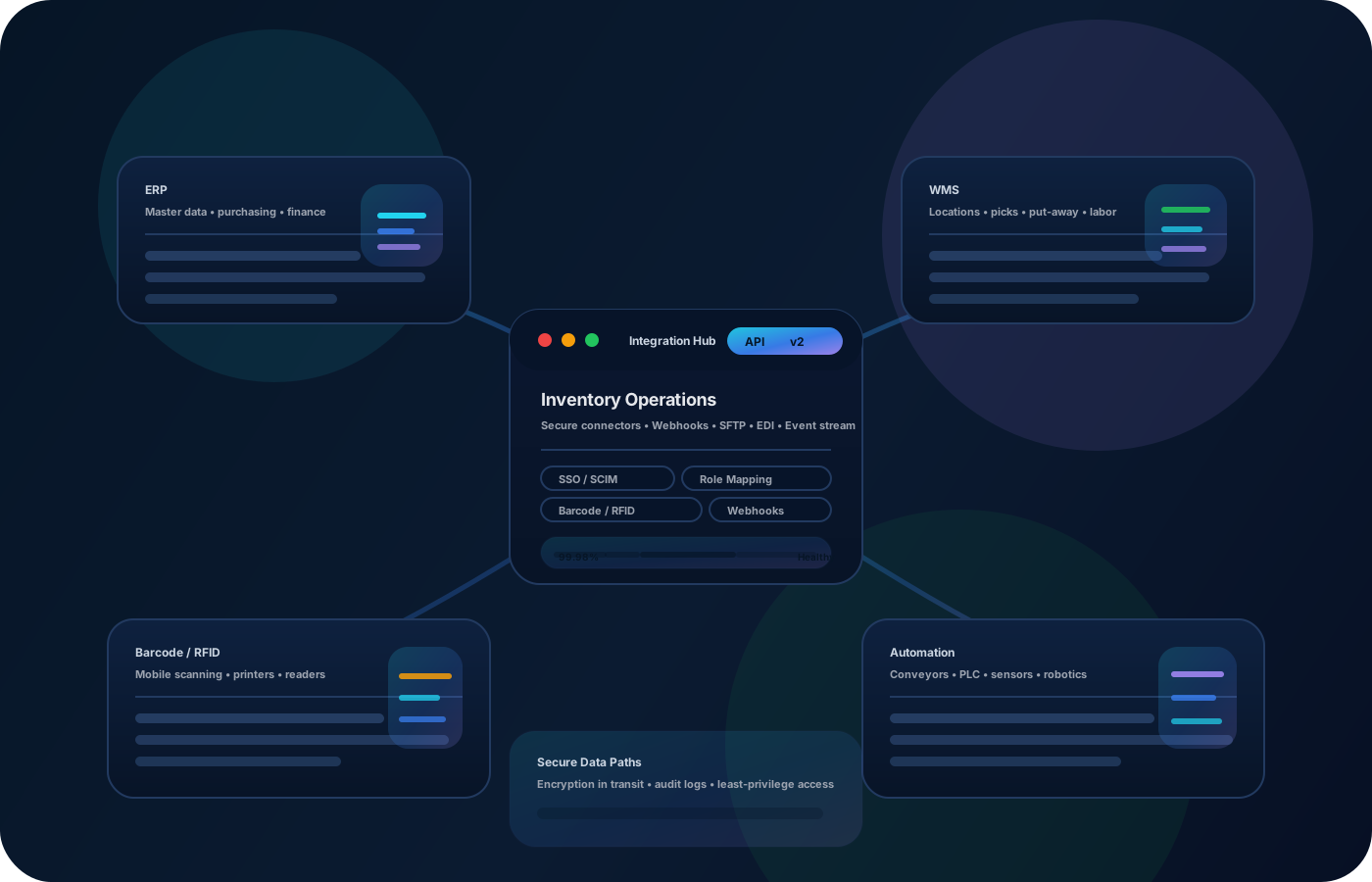
Ecommerce inventory errors turn into stockouts, oversells, and expensive customer support. Inventory operations reduce variance across locations, track changes reliably, and keep availability accurate so fulfillment teams can move fast with confidence.
Most teams start here. IO helps you reduce drift, keep accuracy high, and maintain a trail you can trust.
When availability is wrong, orders fail and customer support spikes. Improve accuracy with consistent receiving, transfers, and counts.
Inventory spread across sites drifts quickly. Record transfers as traceable events so each location stays accurate.
When the numbers are suspect, teams spend time debugging. Keep a clean history so variance is explainable and fixes stick.
IO keeps locations, movement history, and controls connected—so teams can move faster without losing traceability.
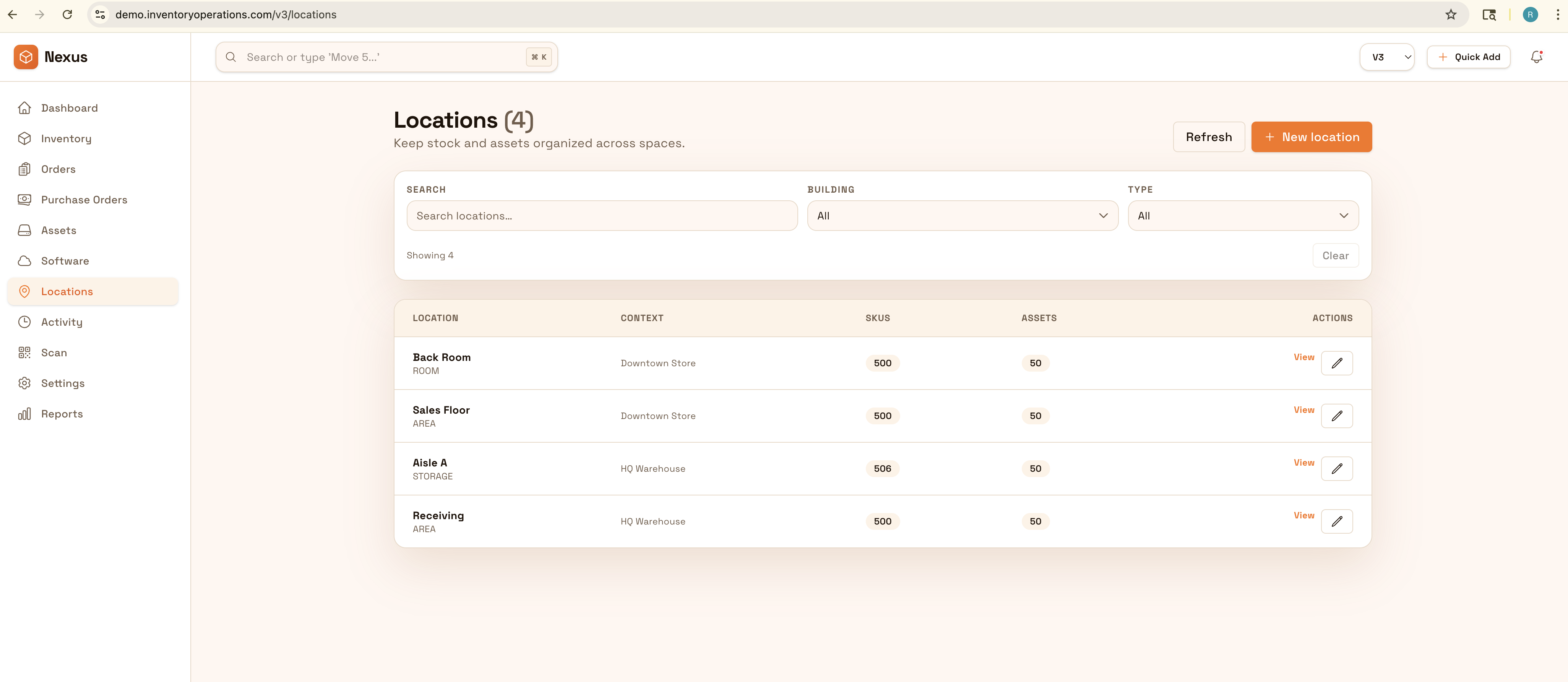
• Stock by warehouse, store, and backroom locations • Transfers and movements with clear destinations • Cycle counts and reconciliation outcomes • Adjustments with reasons and approvals • Exports for operations and reporting
Capture receiving details and put-away locations so availability starts accurate.
Record transfers with source/destination so stock follows reality.
Count high-velocity SKUs frequently and reconcile variance with reasons.
Export variance and movement summaries to tighten process and reduce repeat issues.
Share how you run this process today. We’ll recommend the right setup and rollout.
Use permissions and approvals for adjustments and write-offs. Keep a defensible movement history so discrepancies can be explained and fixed at the process level.
Export inventory snapshots and movement history for planning and reporting, or integrate with order/warehouse systems to keep availability aligned.
Yes—model each warehouse and sub-location, then standardize transfers and counts across all sites.
Better location accuracy plus cycle counts keeps availability trustworthy, reducing oversells and cancellations.
Yes—movement history and reason codes shorten investigations so fixes are repeatable.
Not required, but scanning improves speed and reduces errors in receiving and transfers.
Start with your highest-velocity SKUs and key locations, then expand coverage over time.