
Devices change hands constantly
Laptops and peripherals get reassigned fast. Keep a custody trail so teams always know who has what and when it changed.
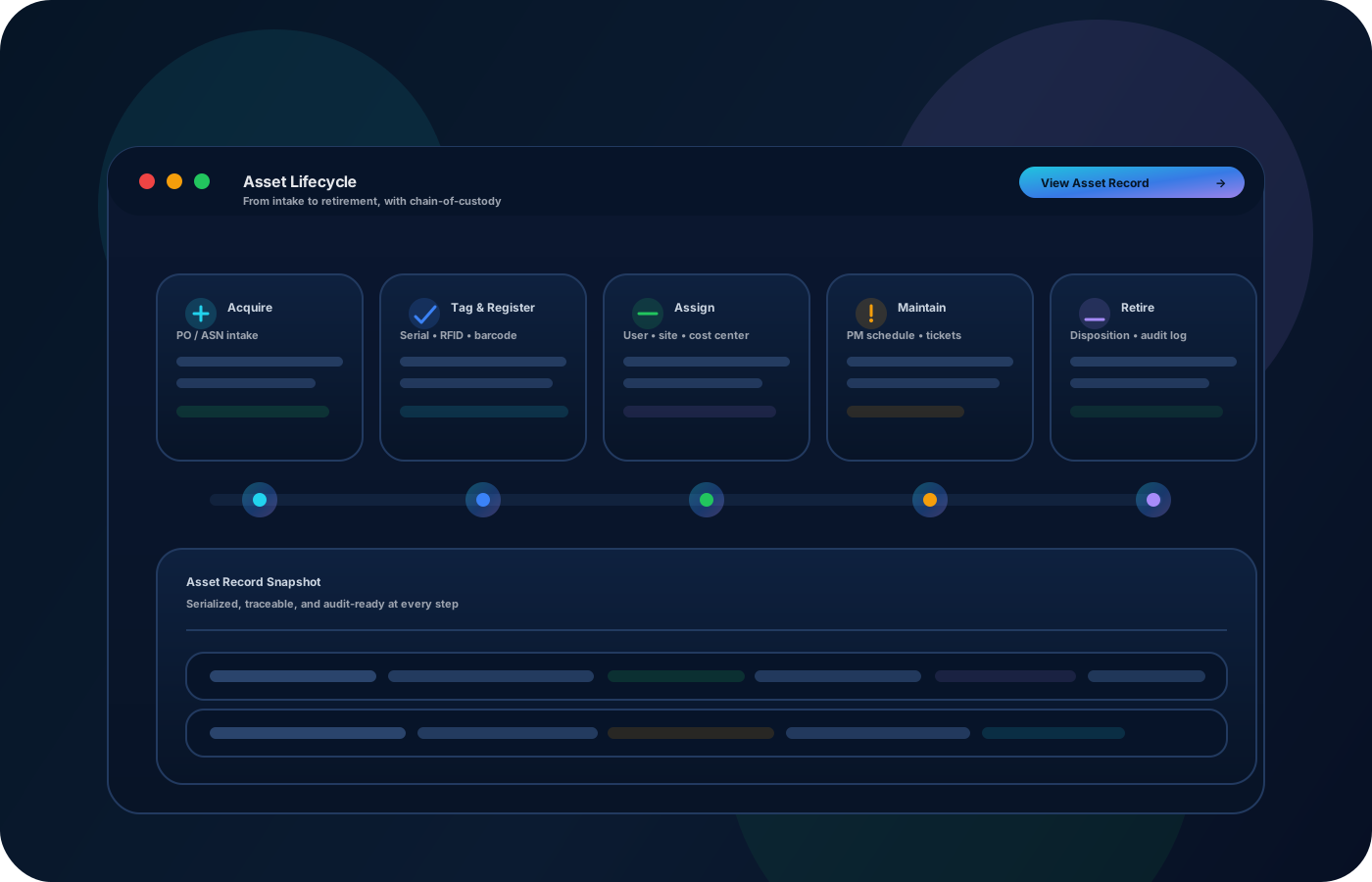
Track laptops, peripherals, and shared devices with custody and lifecycle history from onboarding to offboarding. Keep assignments, returns, repairs, and spares organized so audits and refresh cycles are straightforward.
Track devices end-to-end: procurement to deployment to offboarding. Keep assignments, repairs, spares, and returns organized so audits and refresh cycles stay simple.


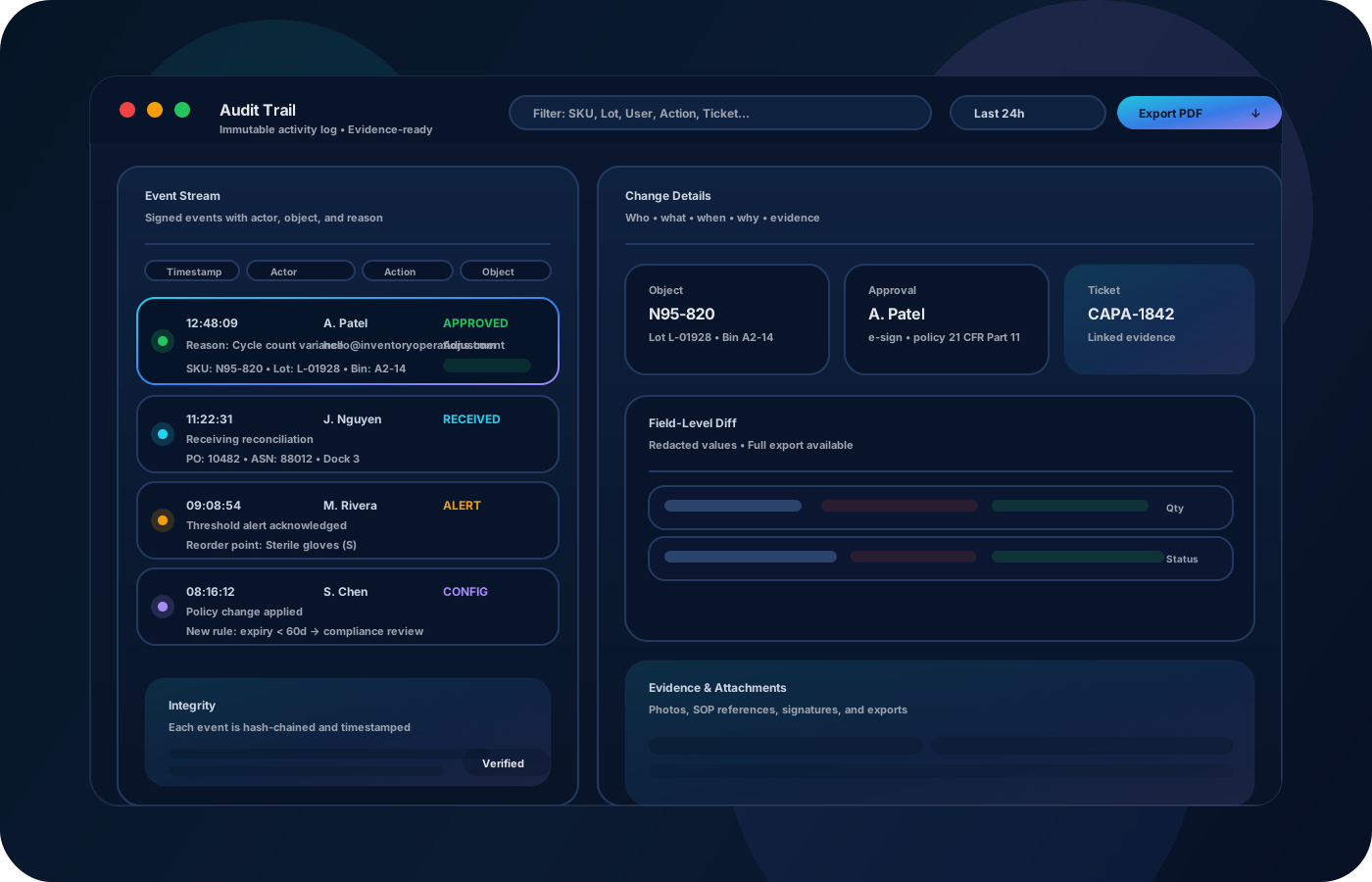
IT asset tracking is custody plus lifecycle—from procurement to deployment to offboarding. Inventory operations keep assignments, returns, repairs, and spares organized with a reliable history so audits are easier and devices don’t get lost between hands or locations.

Most teams start here. IO helps you reduce drift, keep accuracy high, and maintain a trail you can trust.
Laptops and peripherals get reassigned fast. Keep a custody trail so teams always know who has what and when it changed.
If repairs and spares aren’t tracked, devices get lost between desks and vendors. Record status and location changes with context.
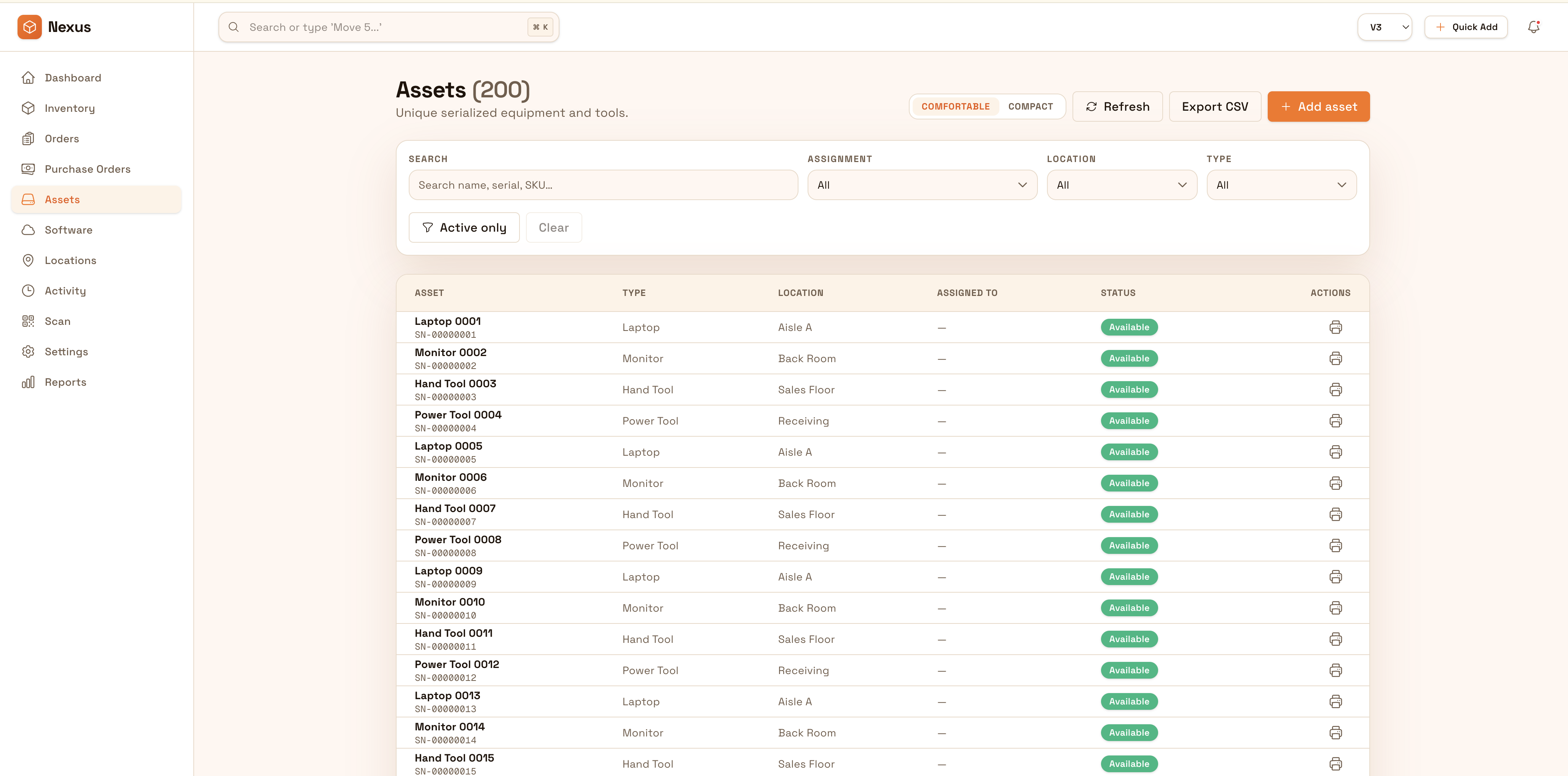
Inventory checks become a manual hunt when identity and assignment history are unclear. Keep exports ready and history complete.
IO keeps locations, movement history, and controls connected—so teams can move faster without losing traceability.
• Devices and peripherals with serials and tags • Assignment history by user and department • Status (in service, spare, repair, retired) • Location history (office, storage, vendor) • Exports for audits and refresh planning
Create device records once so identity and lifecycle history stays consistent.
Record assignments and transfers between users and offices so custody is always clear.
Move devices through repair/spare statuses with location updates and notes.
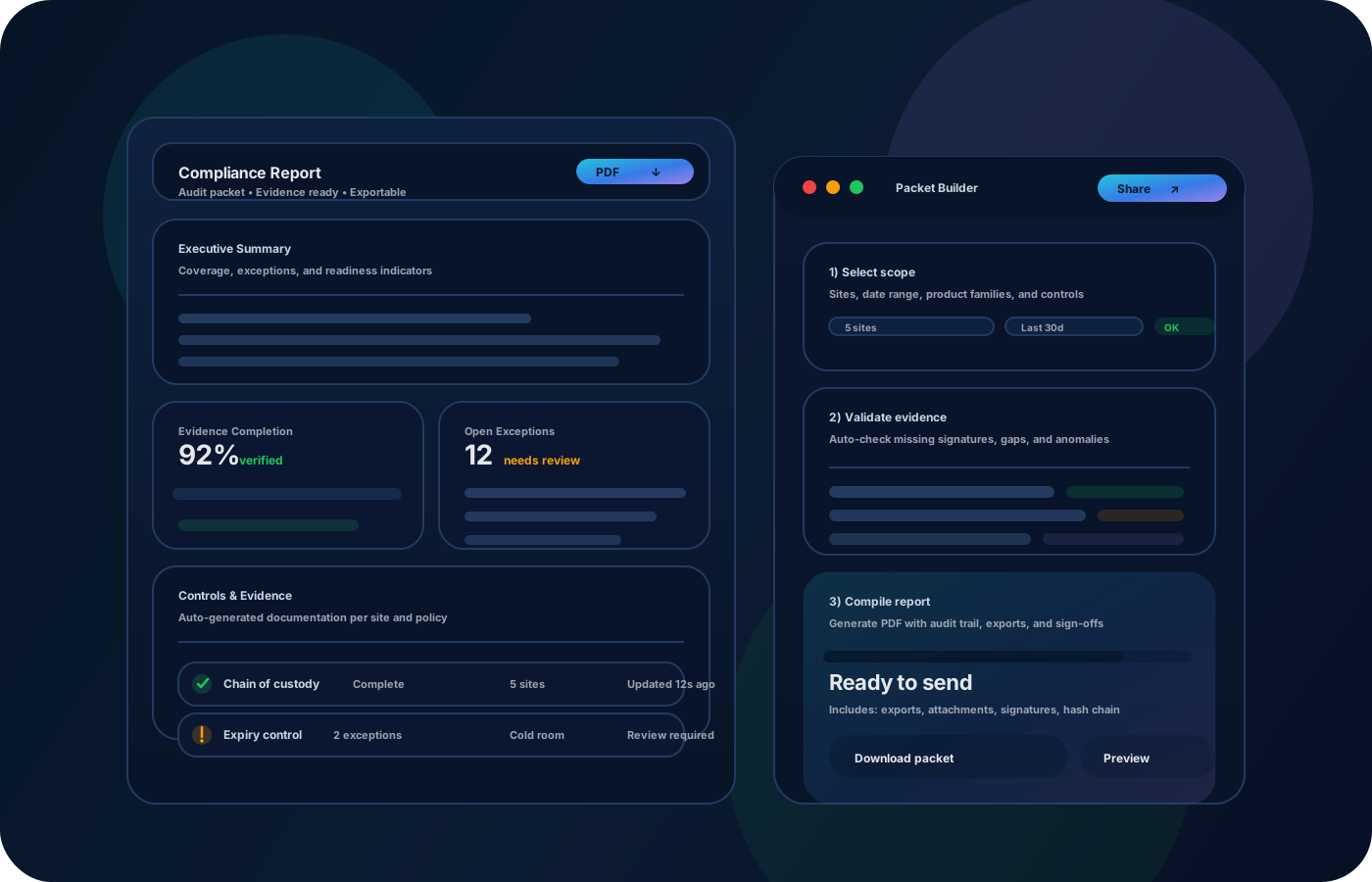
Export assignment and status reports to simplify audits and refresh cycles.
Share how you run this process today. We’ll recommend the right setup and rollout.
Restrict edits to identity fields and status changes, and preserve a full audit trail for assignments and lifecycle updates.
Export device inventories and assignment histories for audits, finance, and IT operations. Integrate with ticketing or onboarding/offboarding processes to keep records aligned.
Yes—track any asset type, from laptops to monitors to shared devices.
Yes—use statuses and locations to record where devices are during repair cycles.
Yes—assignment history and exports reduce audit time and manual reconciliation.
Record returns, update status/location, and keep the custody trail intact for review.
Start with laptops + core peripherals, then expand to spares, repair flow, and reporting.