
You can’t find items when you need them
Items spread across rooms and storage areas. A simple location structure makes retrieval fast.
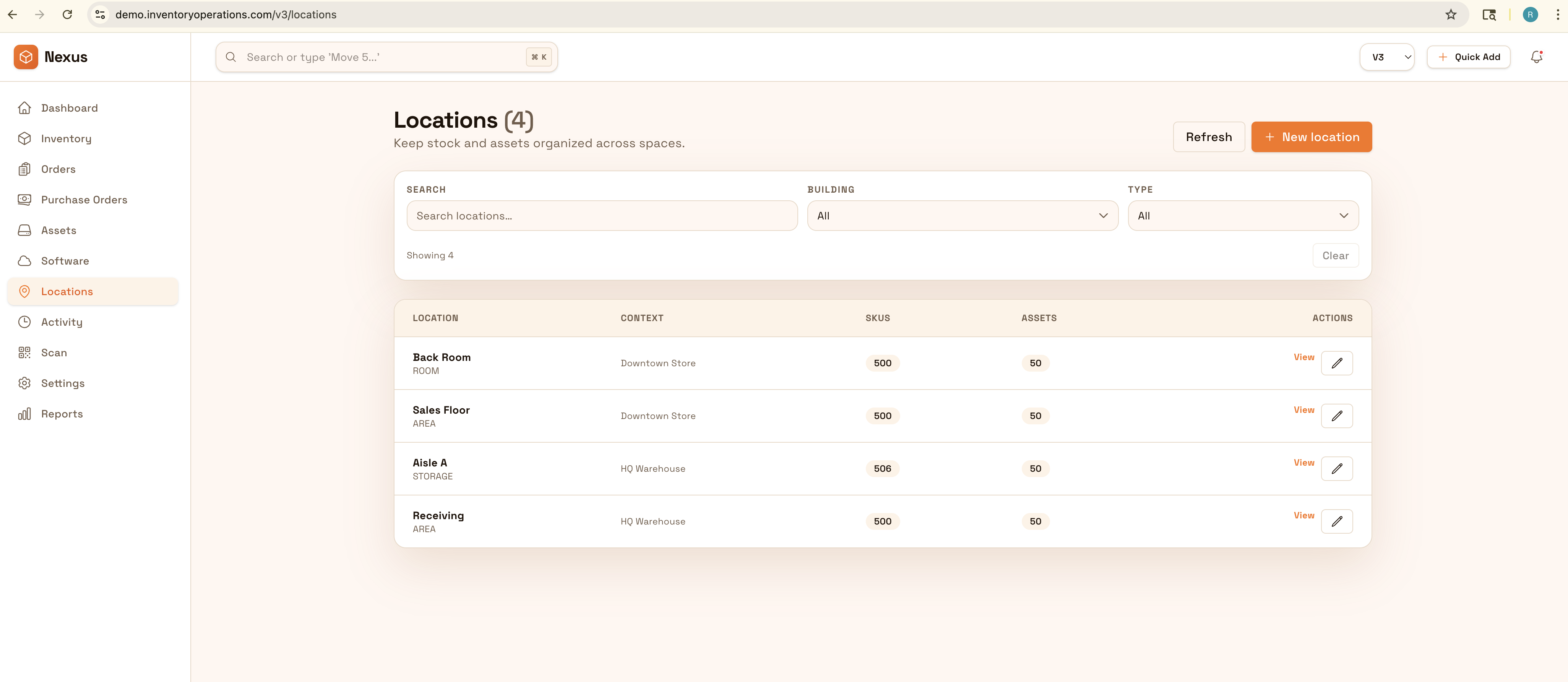
Organize items by room and storage location with photos, notes, and receipts attached. Export clean lists for moves, insurance, or simply finding what you need quickly—without digging through boxes.
Know what you own and where it lives: organize by room and storage location, attach photos and receipts, and export clean lists for moves or insurance.


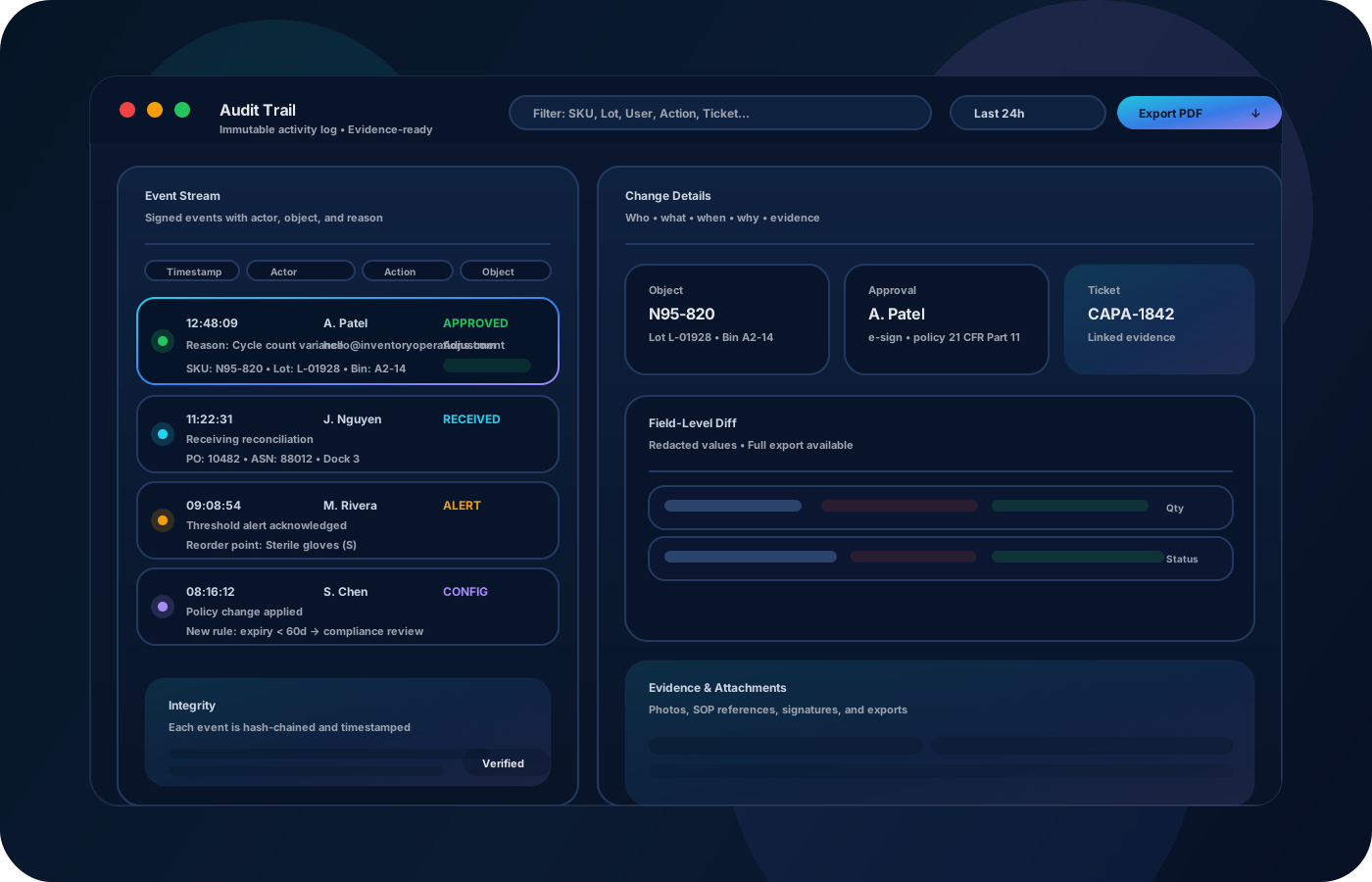
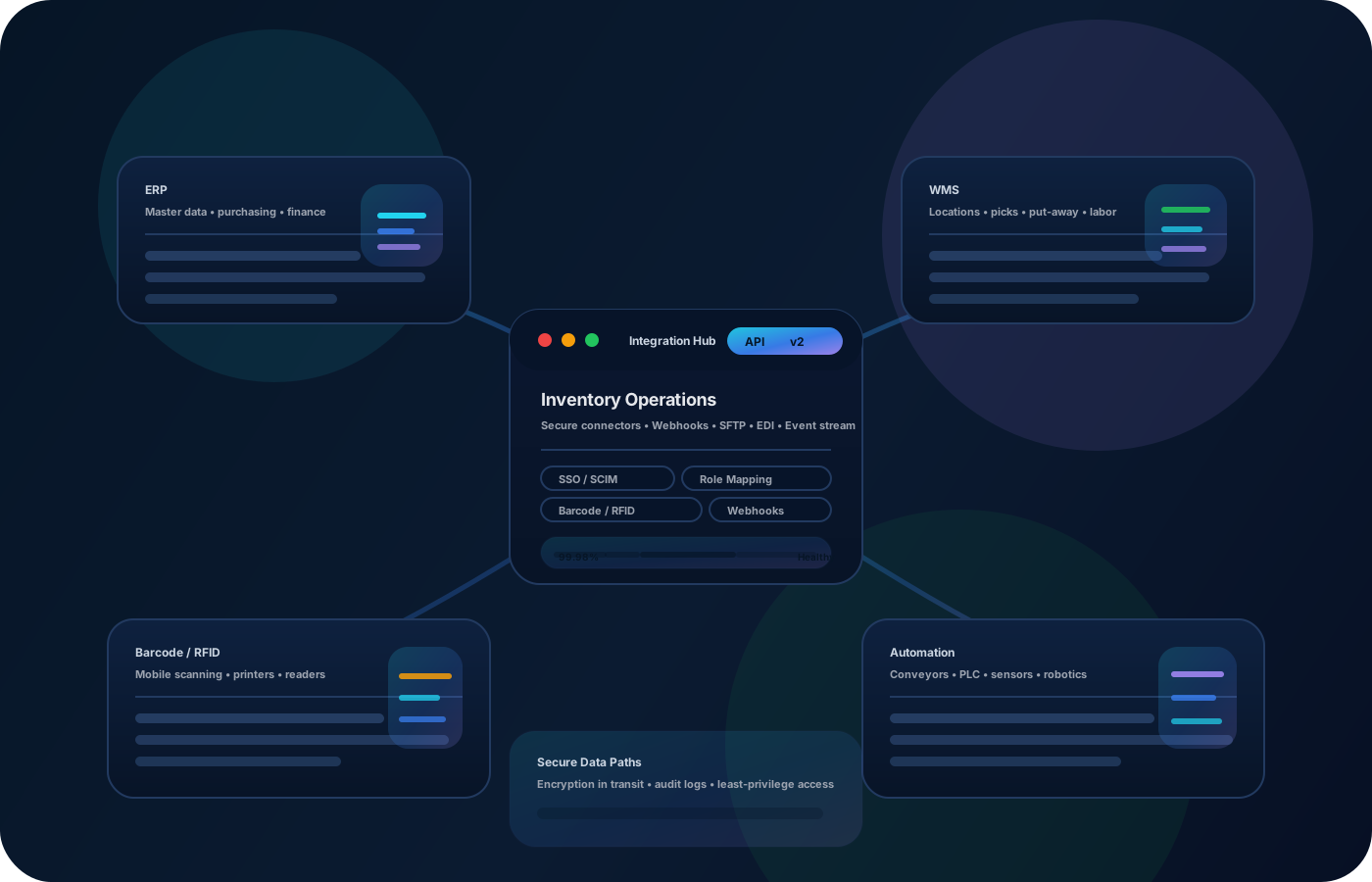
Home inventory becomes valuable when you can actually find items quickly, track where they live, and export clean lists for moves or insurance. Inventory operations for home use are about a simple location structure, good photos/notes, and keeping accuracy over time without extra work.
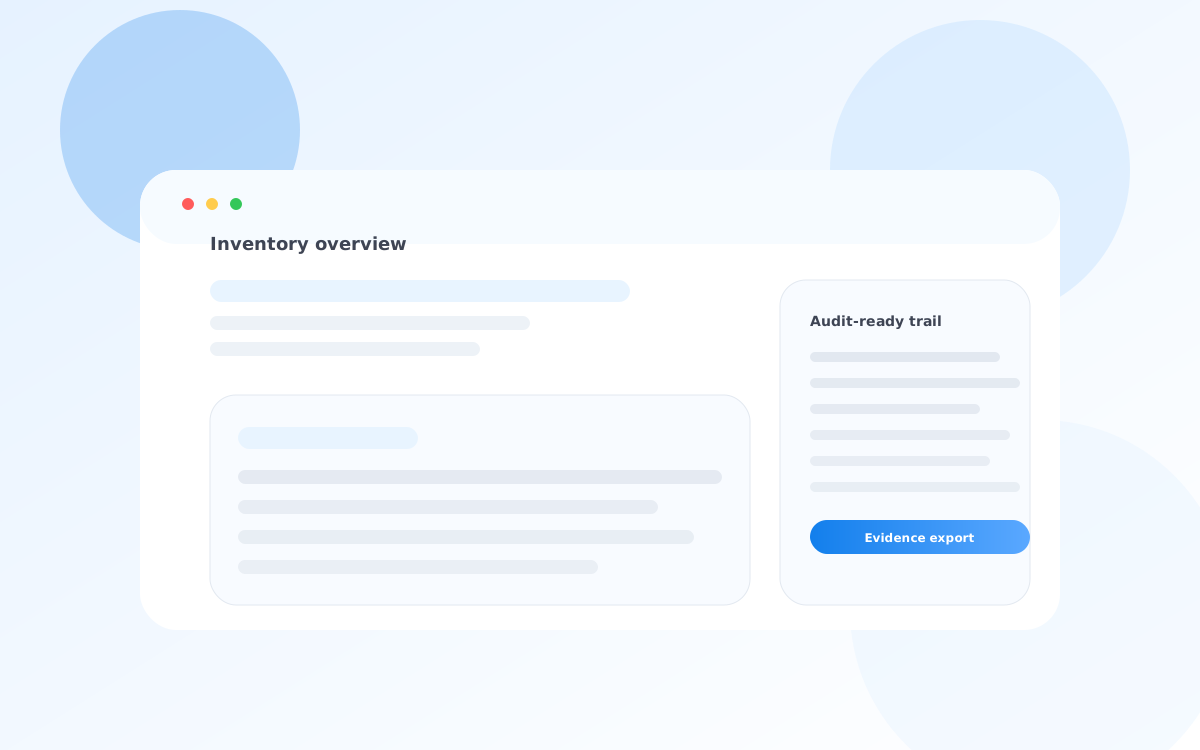
Most teams start here. IO helps you reduce drift, keep accuracy high, and maintain a trail you can trust.
Items spread across rooms and storage areas. A simple location structure makes retrieval fast.
Receipts, serial numbers, and notes are hard to keep together. Attach photos/notes so information stays connected.
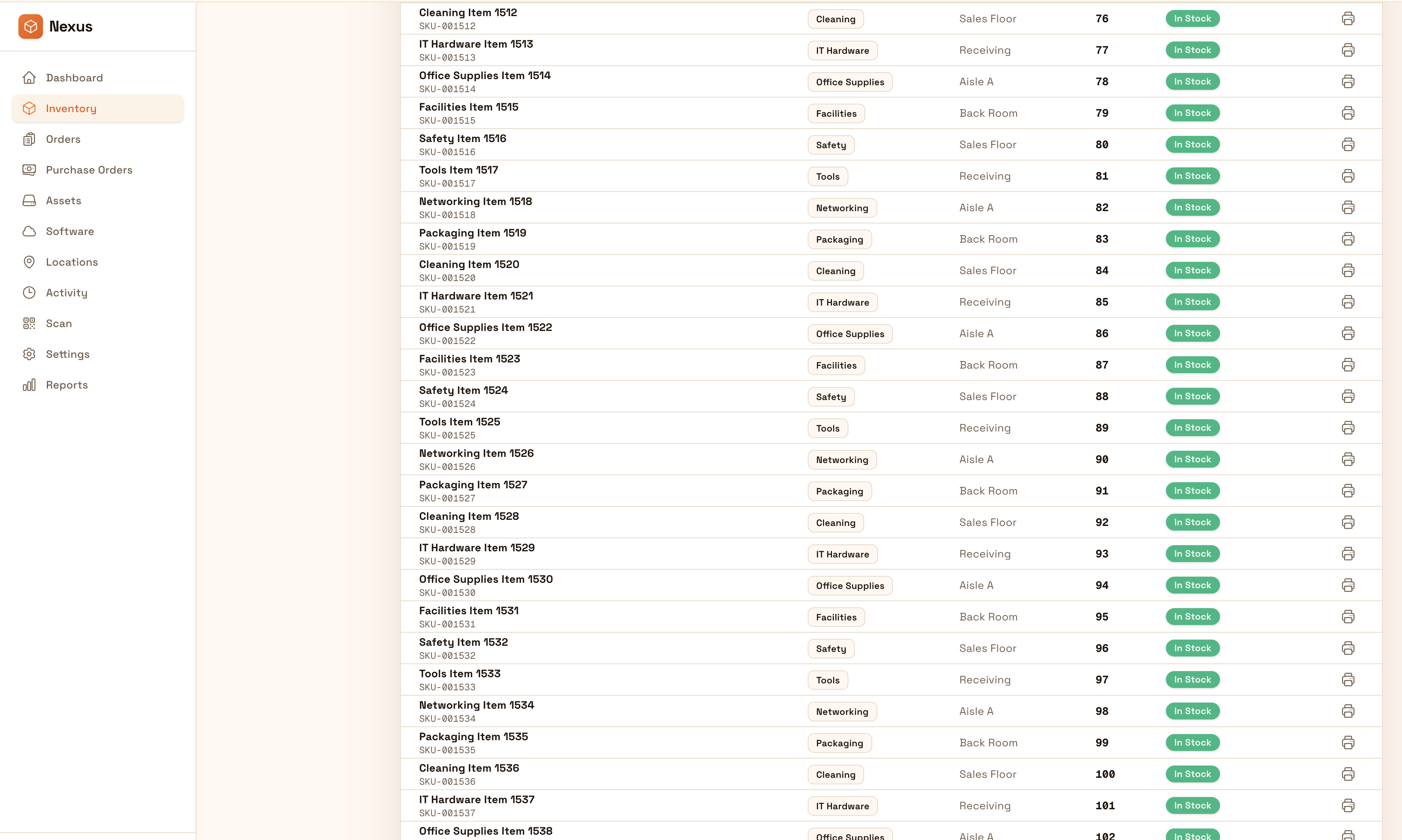
Moves and insurance claims require clean lists. Keep exports ready so you can produce a list quickly.
IO keeps locations, movement history, and controls connected—so teams can move faster without losing traceability.
• Items by room, closet, bin, or storage unit • Photos, receipts, serial numbers, and notes • Condition and replacement value (optional) • Move lists by location or category • Exportable inventory for insurance
Create rooms and storage locations so every item can be found quickly.
Capture photos and notes for unique items so details aren’t lost.
Update locations when items move so the list remains accurate over time.
Export clean lists for moves, insurance, or organizing projects.
Share how you run this process today. We’ll recommend the right setup and rollout.
Home inventory is about clarity. Keep consistent locations and notes so you can prove what you own and where it’s stored when it matters.
Export your inventory as clean lists for insurance, moving checklists, or personal records.
Yes—start with a few locations and key items, then expand over time.
Yes—attach notes and details to items so everything stays together.
Yes—exports help create claim-ready or move-ready lists quickly.
No—photos and simple location structure are usually enough for home use.
Start with one room or closet, add your highest-value items, and iterate.