
Equipment is shared across teams
When equipment is booked and shared, custody gaps create conflict. Track assignments and transfers so “who has it” is always clear.
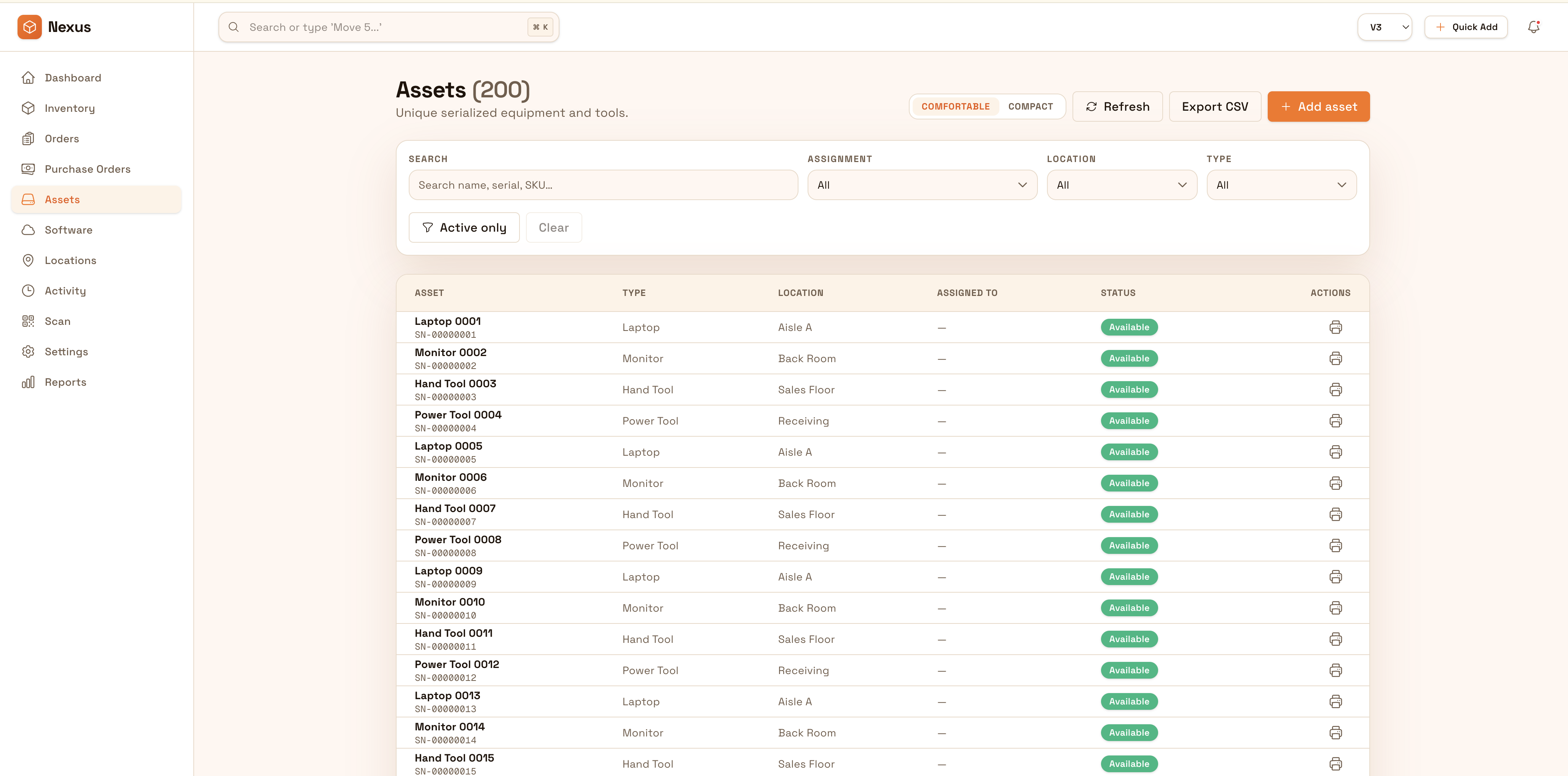
Track high-value equipment across departments and sites with full lifecycle visibility. Keep assignment, inspections, maintenance history, and movements connected so teams can prove where equipment is and what changed over time.
Keep high-value equipment accountable and ready: track assignments, inspections, maintenance, and movement history so teams reduce downtime and prove where equipment has been.


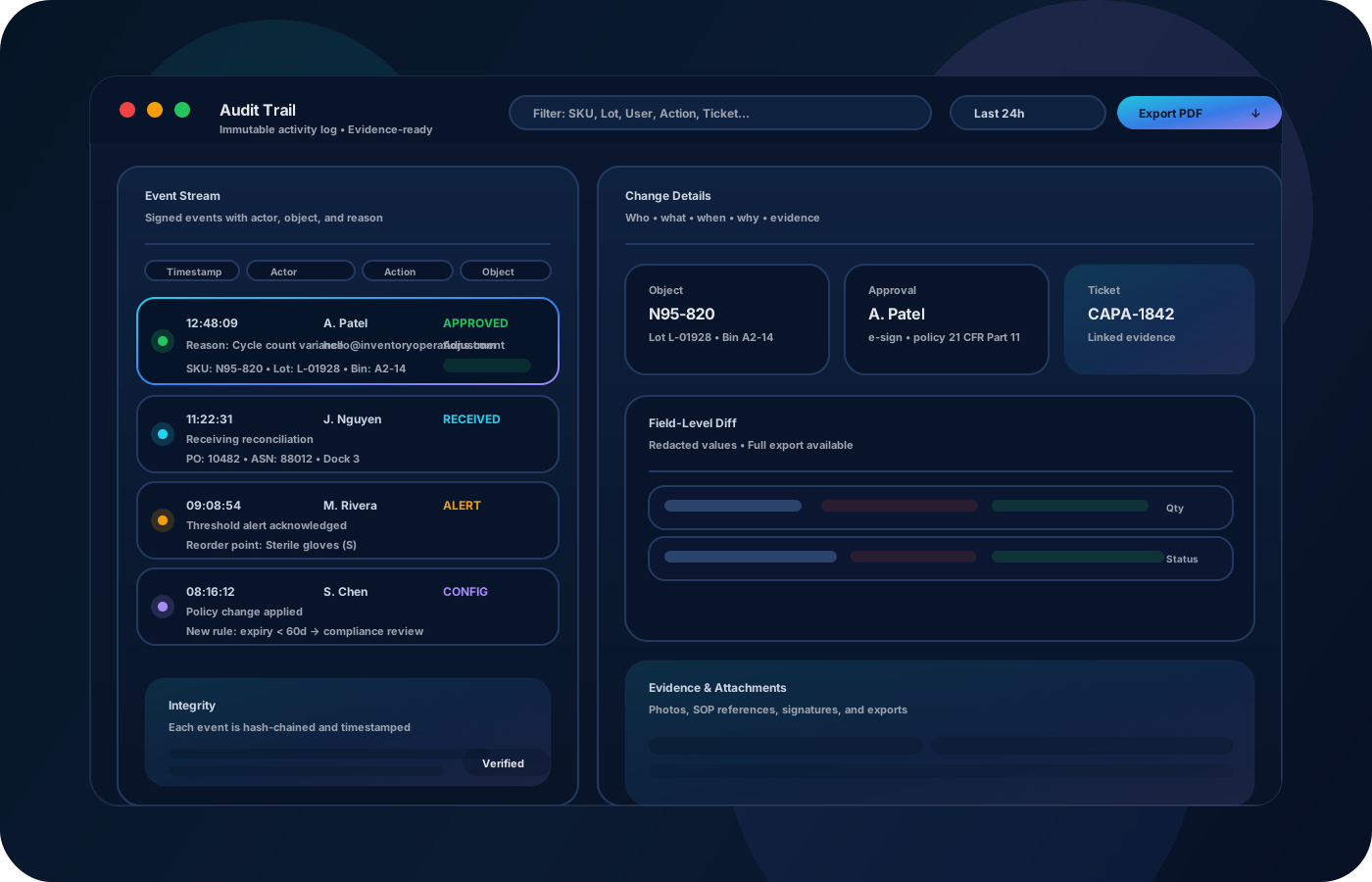
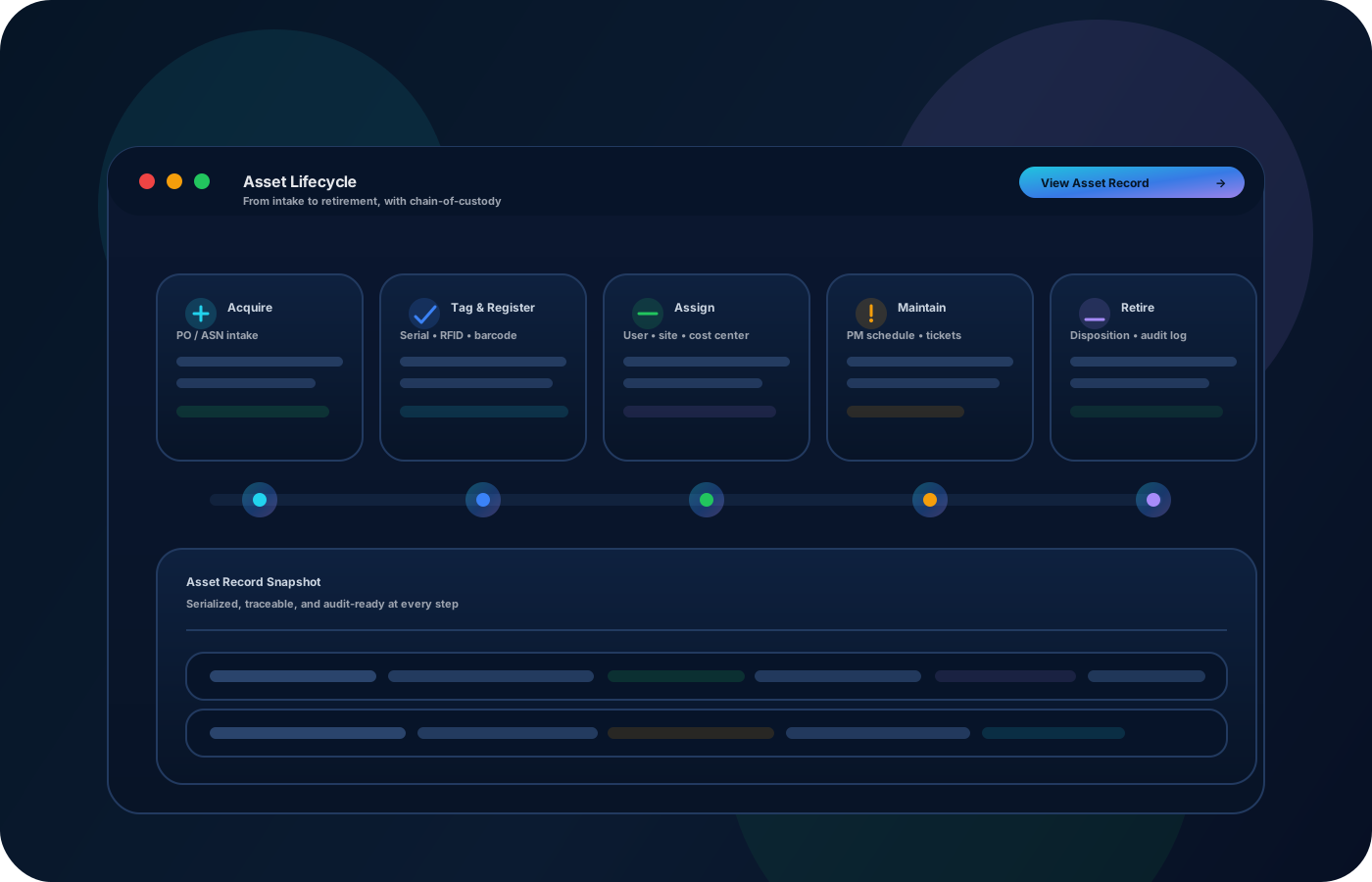
Equipment tracking protects high-value assets and keeps teams ready. Inventory operations connect assignment, location, inspections, and maintenance history—so you can prove where equipment is, what condition it’s in, and what changed over time when incidents or audits happen.

Most teams start here. IO helps you reduce drift, keep accuracy high, and maintain a trail you can trust.
When equipment is booked and shared, custody gaps create conflict. Track assignments and transfers so “who has it” is always clear.
Inspection and maintenance notes often live in emails or tickets. Keep maintenance history attached to the equipment record.
Incidents and audits require evidence. Preserve changes with context so condition and responsibility are defensible.
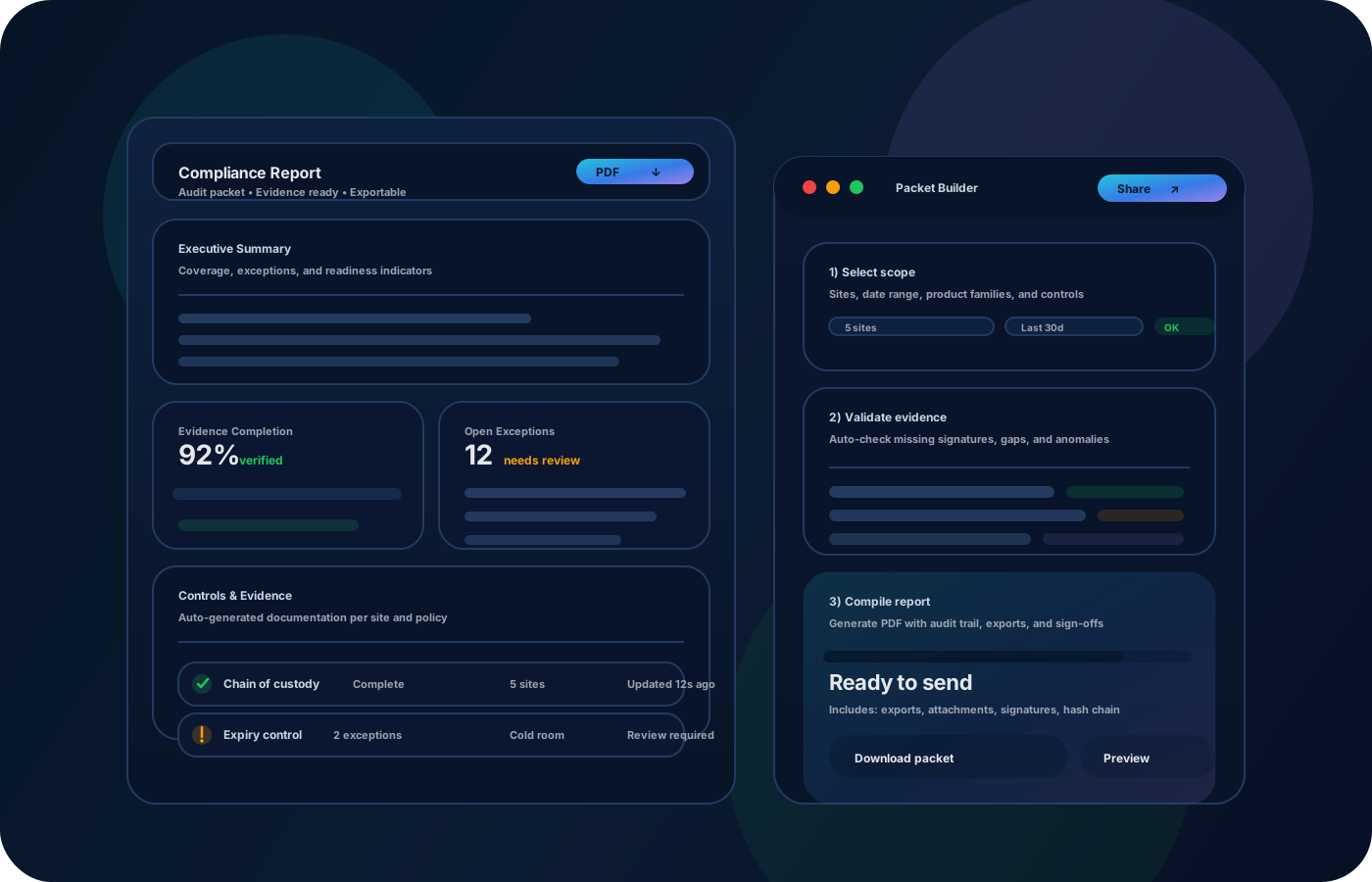
IO keeps locations, movement history, and controls connected—so teams can move faster without losing traceability.
• Equipment identity and current location • Assignments, reservations, and custody trail • Inspection and maintenance notes • Status changes (in service, out for repair, retired) • Exports for audits and operational review
Create a single source of truth with identity details and home location.
Record assignments and transfers so custody stays visible as equipment moves.
Capture notes and status changes so readiness is always known.
Export assignment and history reports to answer questions without manual reconstruction.
Share how you run this process today. We’ll recommend the right setup and rollout.
Control who can change status or retire equipment, and require notes for exceptions. The audit trail preserves the story of each asset over time.
Export equipment lists and history for audits and management reviews. Integrate with maintenance or ticketing workflows to keep updates consistent.
Yes—model sites and locations, then record transfers so custody stays clear.
Yes—capture maintenance notes and status changes in the equipment record.
Readiness comes from consistent status and maintenance updates tied to each asset.
Yes—exports make audits and incident reviews faster and more defensible.
Start with high-value equipment and a simple assignment workflow, then expand to maintenance and reporting.