
Updates happen after the fact
When updates wait for end-of-day, accuracy drops. Mobile workflows keep movements recorded when they occur.
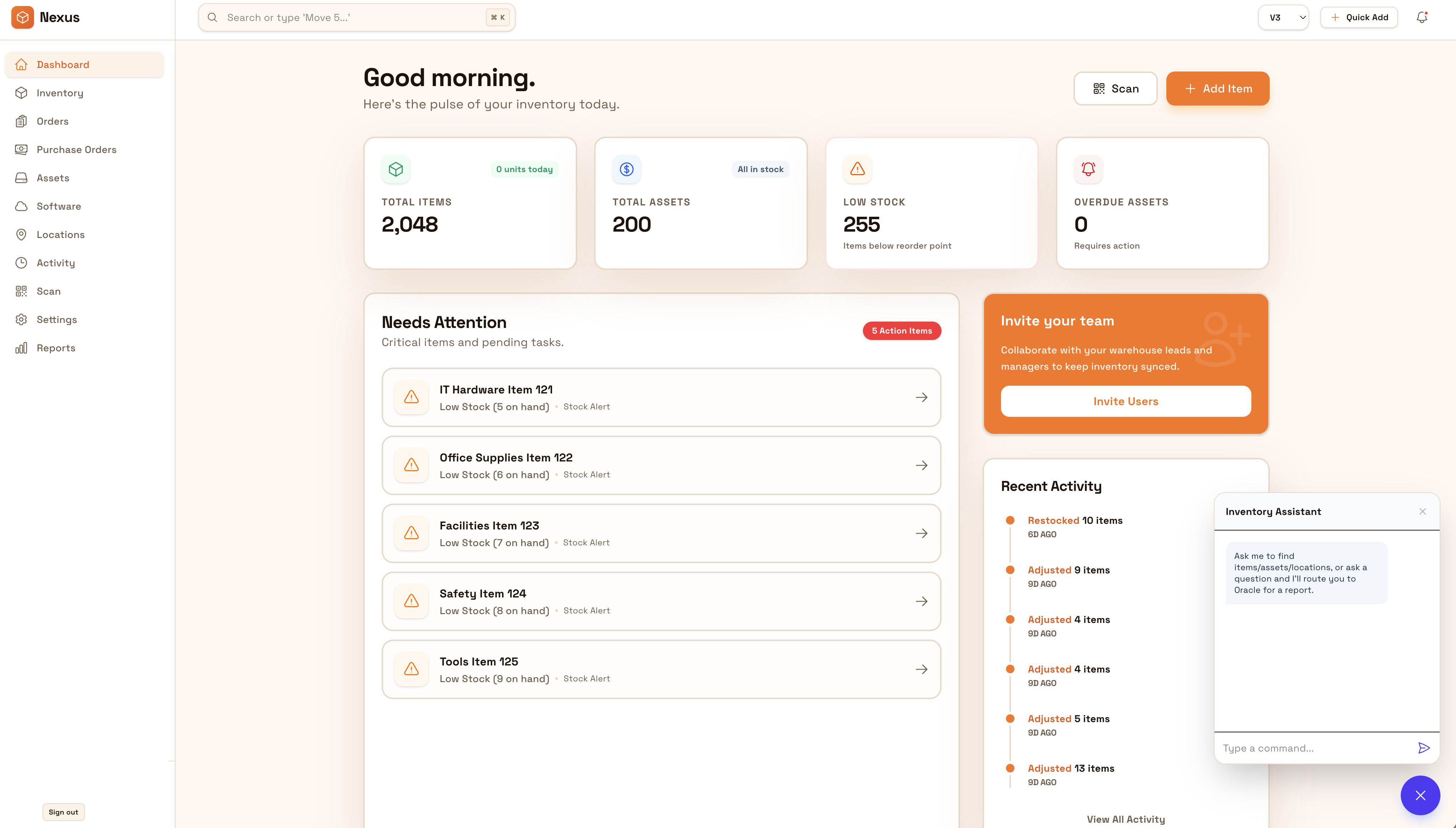
Give teams a fast way to update inventory where work happens—on the floor, in warehouses, and on job sites. Keep receiving, transfers, and spot-checks consistent so data stays current without waiting for end-of-day updates.
Keep data current where work happens—on the floor, in warehouses, and on job sites. Mobile-first updates reduce lag and keep teams aligned across locations.


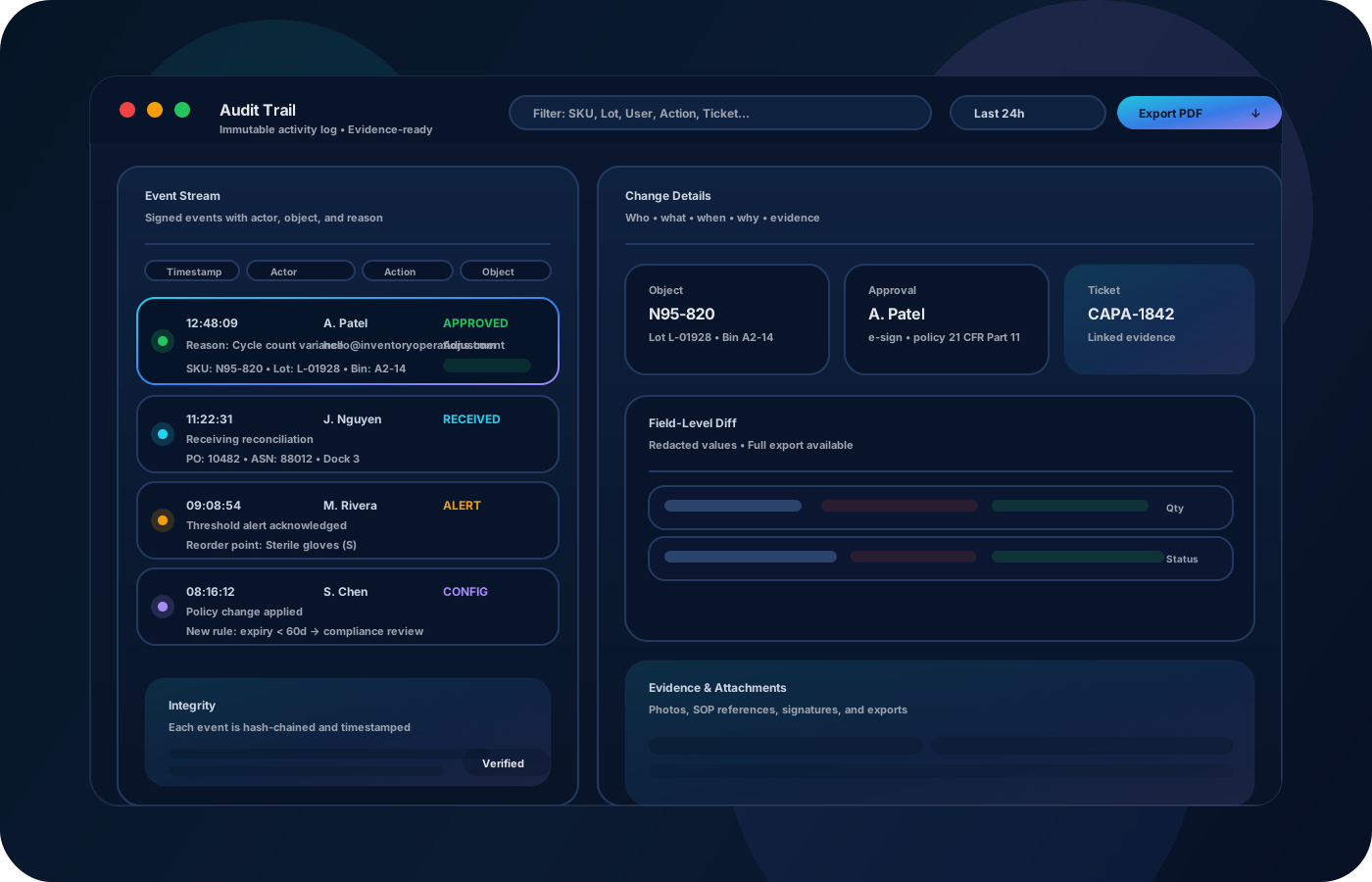
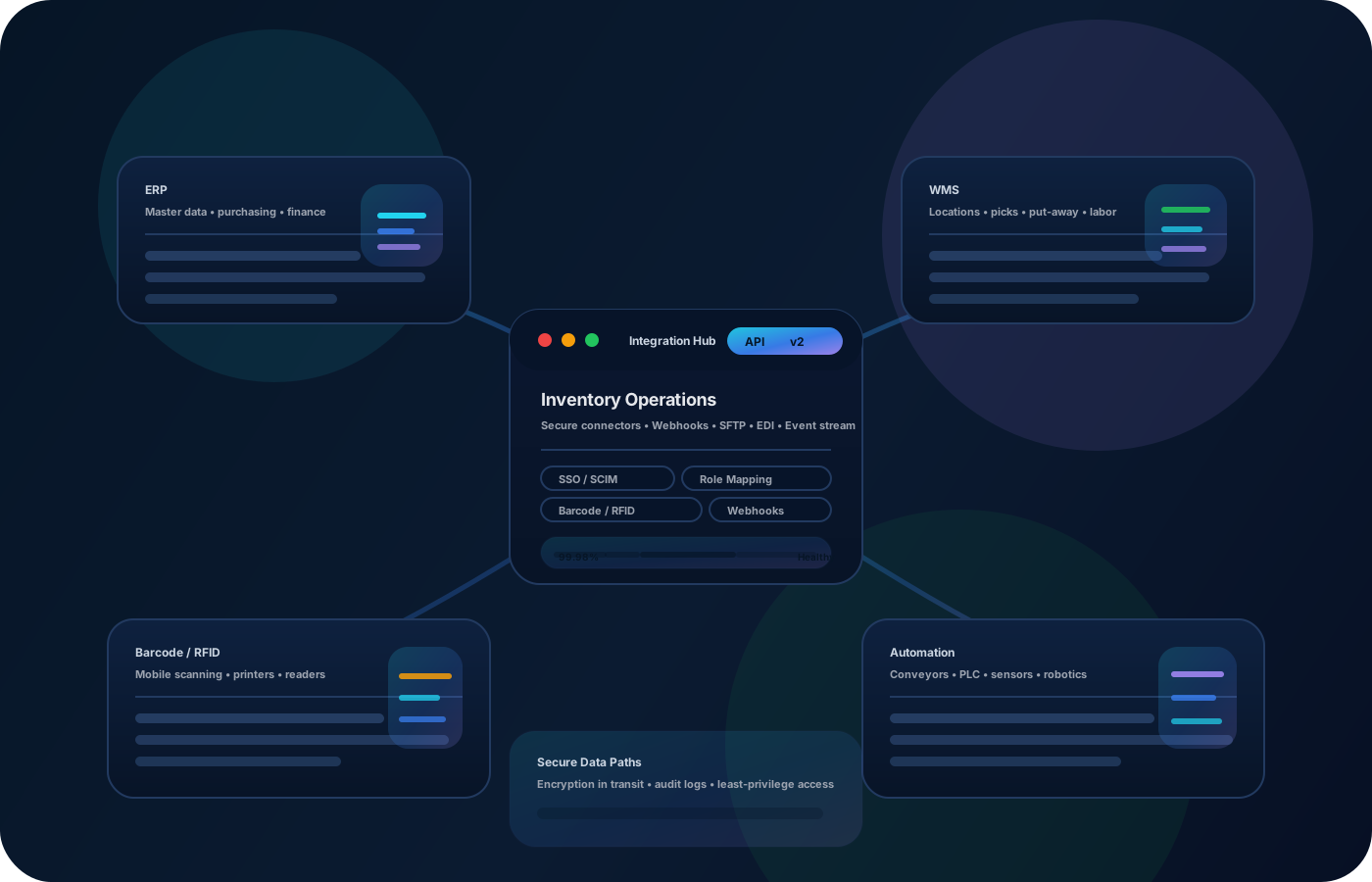
An inventory app matters because work happens away from desks. Inventory operations that support mobile updates keep data current, reduce lag between the floor and the office, and make teams consistent across sites—especially for receiving, transfers, and quick spot-checks.
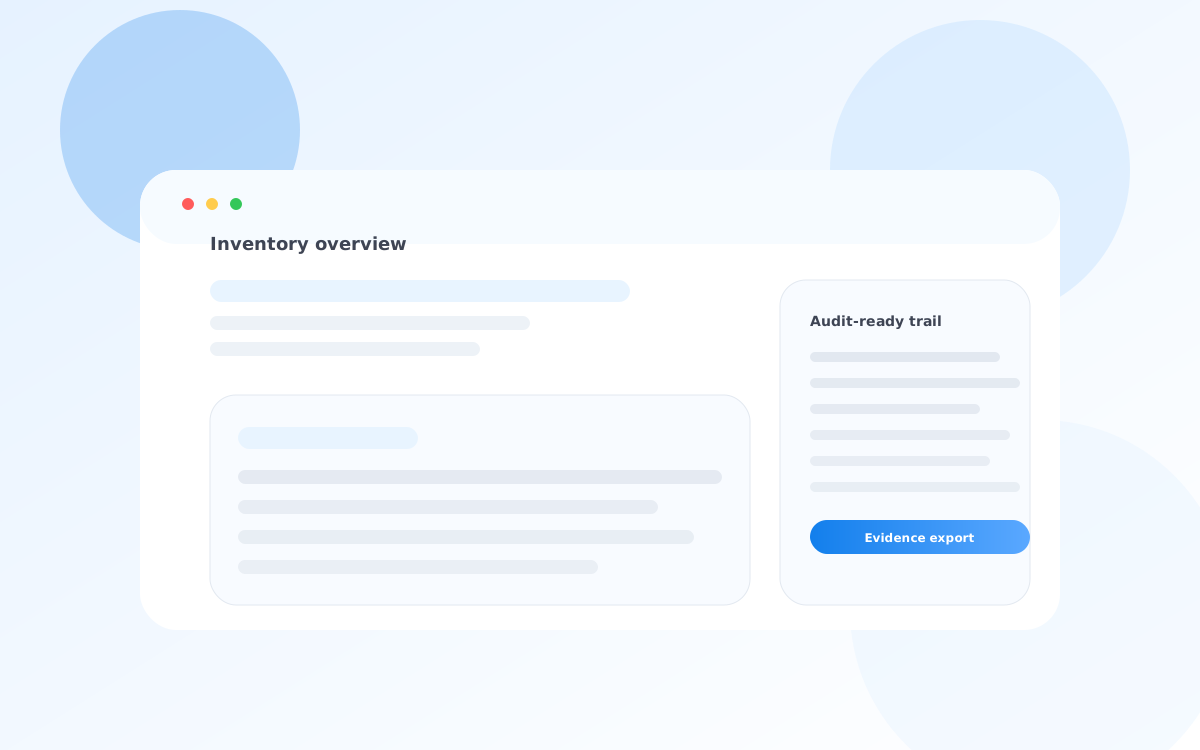
Most teams start here. IO helps you reduce drift, keep accuracy high, and maintain a trail you can trust.
When updates wait for end-of-day, accuracy drops. Mobile workflows keep movements recorded when they occur.
Different crews do things different ways. A simple mobile workflow standardizes receiving, transfers, and spot checks.
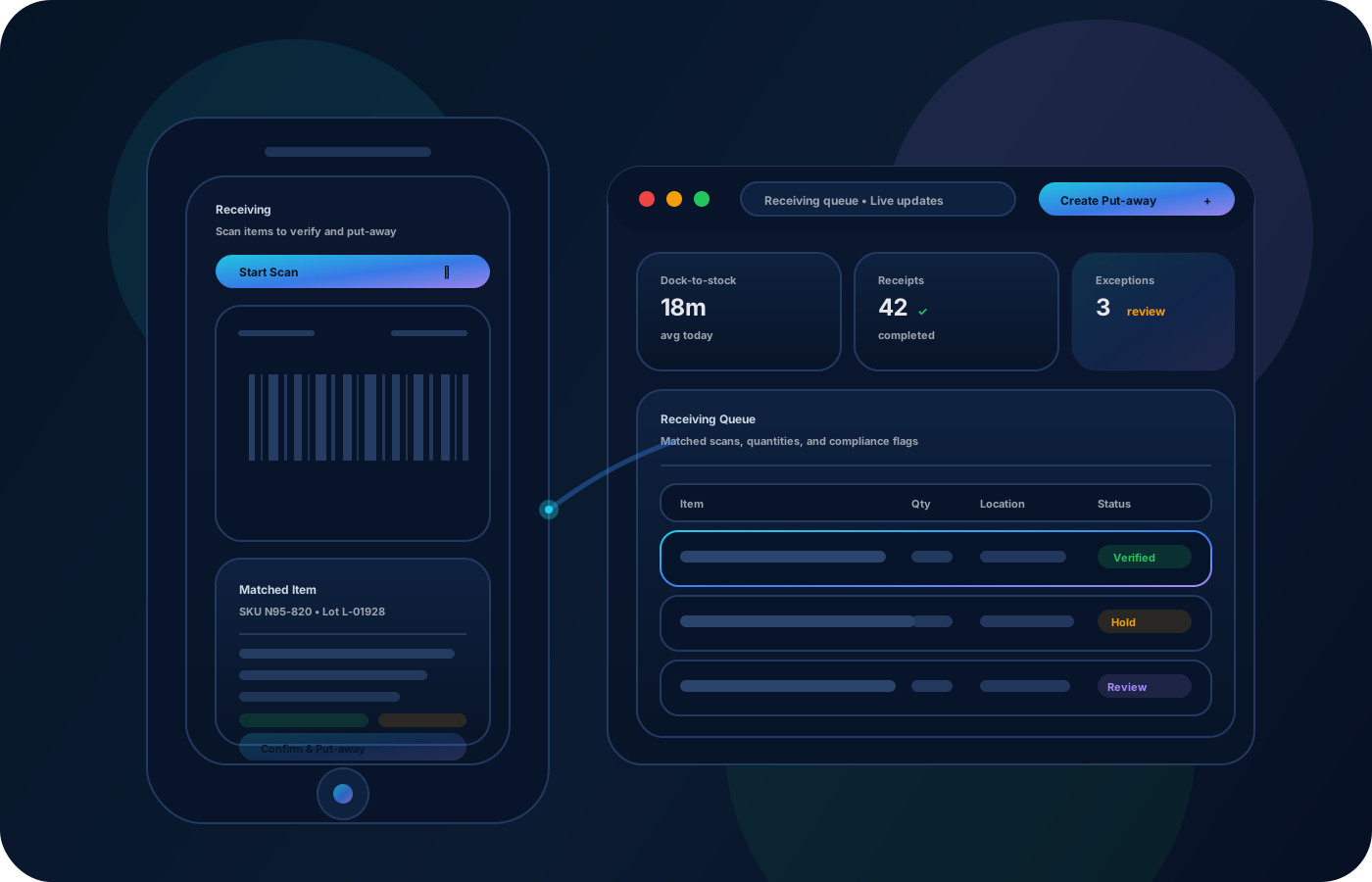
Approvals and reasons must still exist in the field. Keep controls in the workflow so evidence stays clean.
IO keeps locations, movement history, and controls connected—so teams can move faster without losing traceability.
• Quick updates to locations and quantities • Receiving and transfers with destinations • Spot checks and cycle counts • Photos and notes for exceptions • Exportable history for reviews
Define mobile-friendly workflows for receiving, transfers, and quick checks.
Record changes at the moment they happen to keep data trustworthy.
Capture context for damage, missing items, or unusual adjustments so review is easy.
Export activity and variance summaries so operations can refine process over time.
Share how you run this process today. We’ll recommend the right setup and rollout.
Keep permissions, approvals, and required reasons in the workflow so mobile updates remain auditable and defensible.
Export mobile activity history for audits and reporting, or integrate with your operational stack so downstream systems stay aligned.
It complements them—mobile is ideal for receiving, transfers, and quick checks where work happens.
Yes—scan-first workflows reduce errors and speed up movement recording.
Standardize a small set of core actions and require destinations/reasons for key changes.
Yes—use photos and notes to document exceptions so reviews are straightforward.
Start with receiving + transfers on mobile, then add counts, exceptions, and reporting.