
Intake is inconsistent
When intake varies by site, records drift. Standardize receiving and location structure so distribution stays accurate.
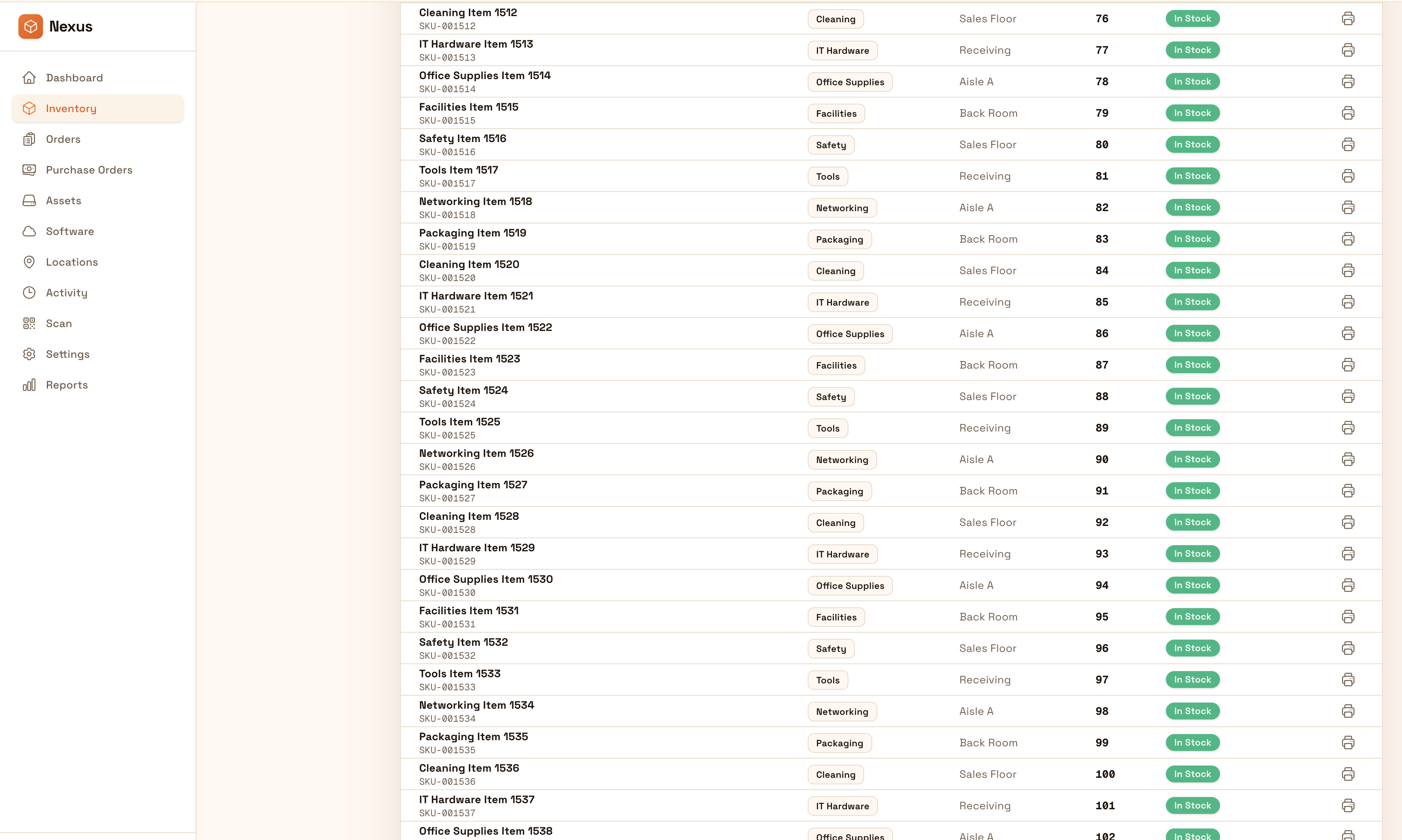
Track donations and supplies with transparency from intake to distribution. Keep locations, movements, and reconciliations export-ready so teams can demonstrate impact and protect donor trust.
Track donations and supplies from intake to distribution with transparency. Keep movements and reconciliation export-ready to protect donor trust and demonstrate impact.


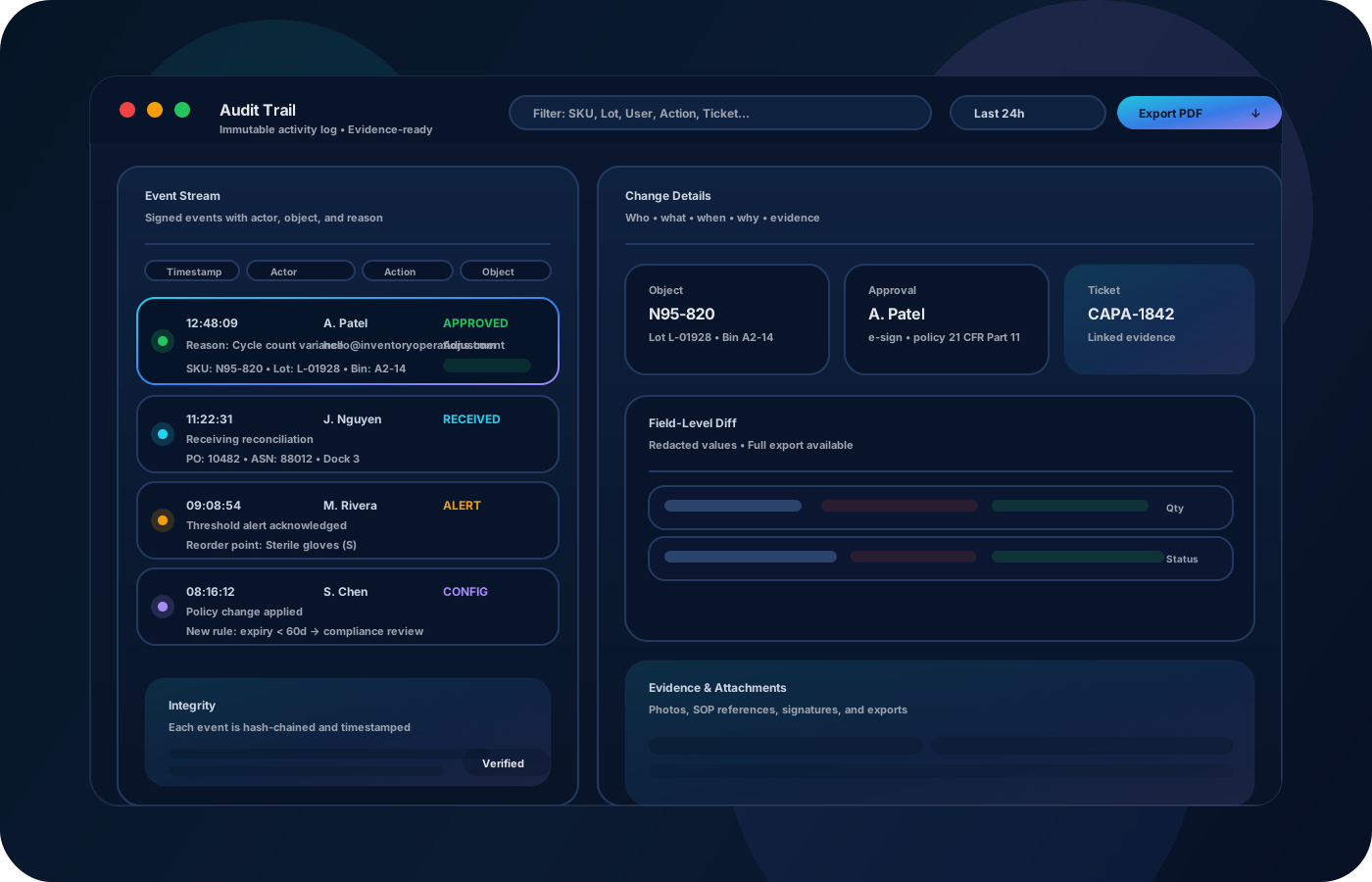
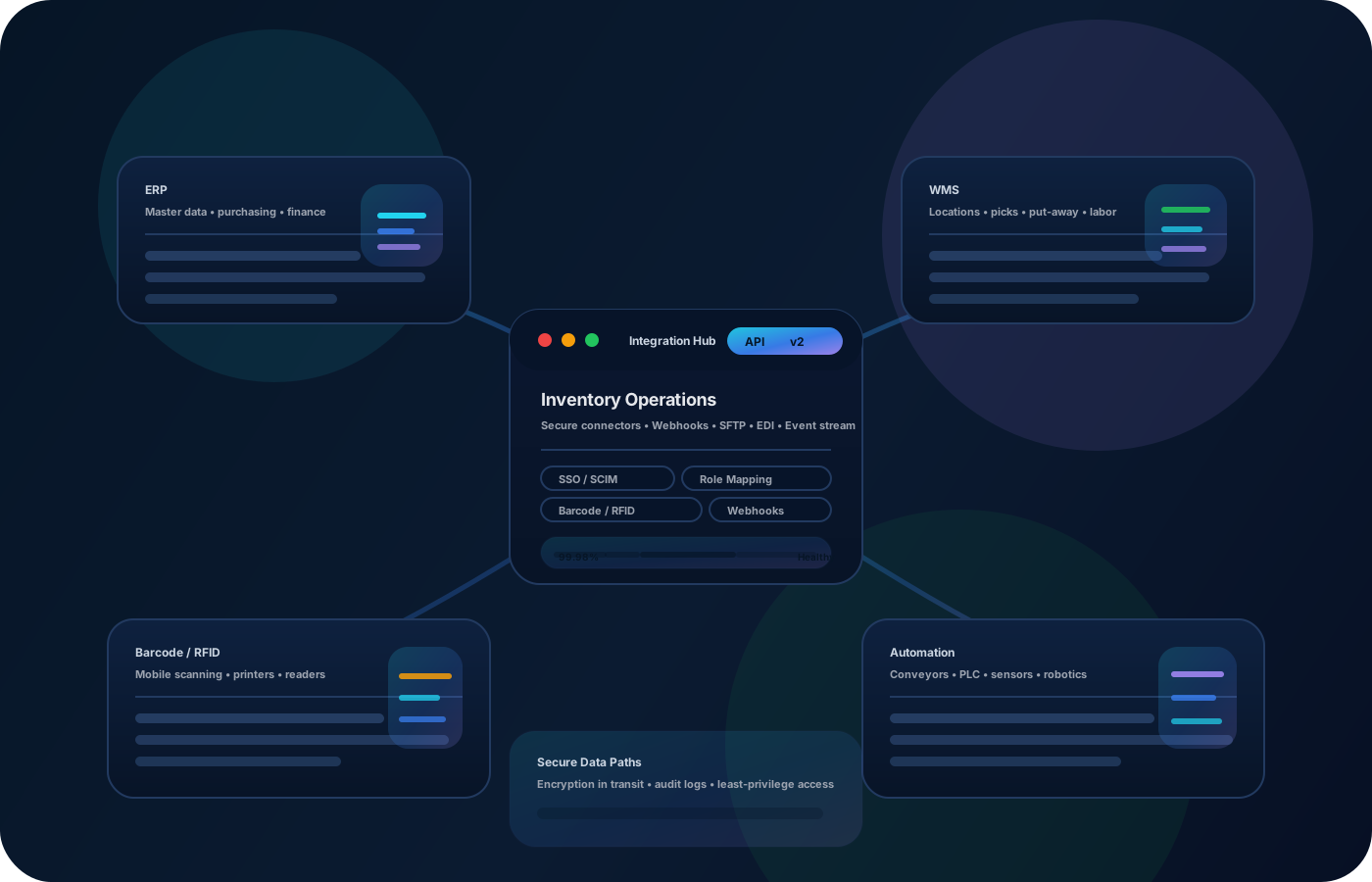
Non-profits handle donations and supplies with a high bar for transparency. Inventory operations create a shared system of record—so teams know what’s available, where it is, and can report outcomes with confidence to donors and stakeholders.
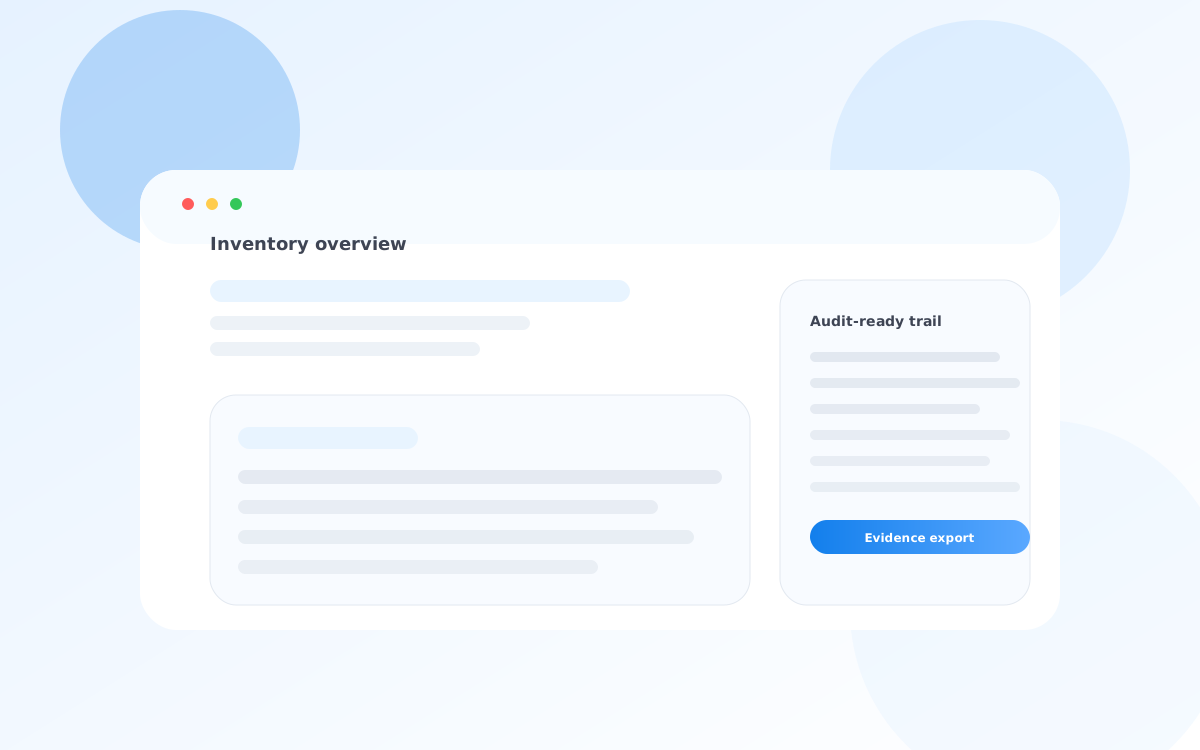
Most teams start here. IO helps you reduce drift, keep accuracy high, and maintain a trail you can trust.
When intake varies by site, records drift. Standardize receiving and location structure so distribution stays accurate.
Supplies move quickly during demand spikes. Traceable transfers keep accountability clear across teams and sites.
Stakeholders need clear evidence. Exportable lists and movement history reduce reporting time.
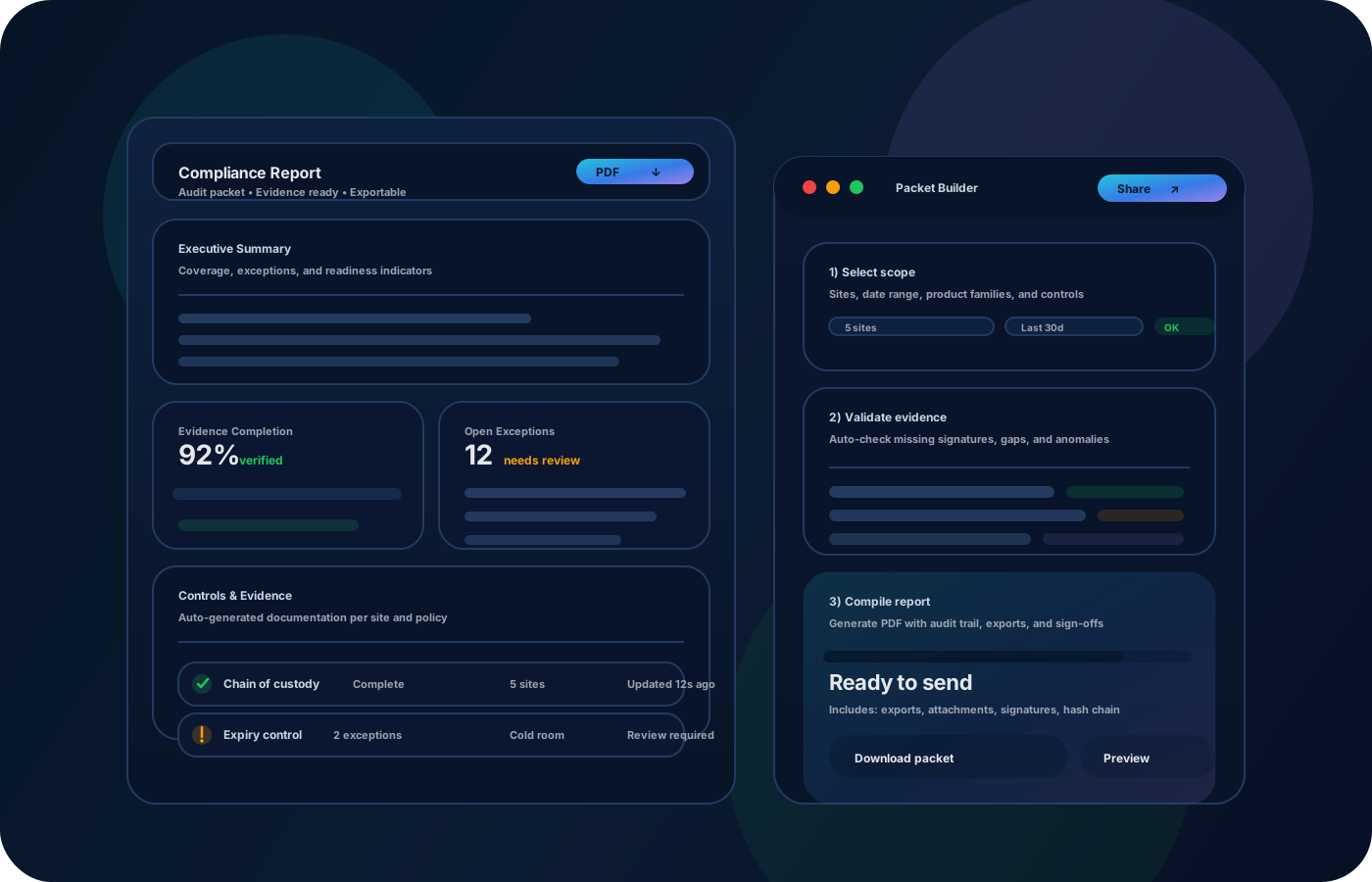
IO standardizes tracking, controls, and evidence—so teams can operate confidently across sites and stakeholders.
• Donations and supplies by intake and storage location • Transfers to distribution sites and programs • Exceptions (damage, loss) with documentation • Counts and reconciliations • Exportable reporting for donors and reviews
Capture incoming donations consistently so inventory starts accurate.
Use a clear location structure to reduce loss and speed up distribution.
Record transfers to keep accountability clear as inventory moves.
Export lists and history to demonstrate impact and support audits.
Tell us your compliance and operational requirements. We’ll recommend the right rollout.
Preserve movement history and use permissions for adjustments so reporting remains defensible and repeatable.
The biggest wins are usually accuracy, speed, and defensible accountability.
Yes—model sites and storage locations so intake and distribution are traceable.
Yes—exports and movement history support clear, consistent reporting.
Yes—record transfers to program locations for accountability.
Yes—record exceptions with notes so variance is explainable.
Start with intake + storage locations, then add transfers and reporting.