
Tools and materials move constantly
Jobs shift, crews rotate, and inventory follows. Track transfers with destinations so teams always know what’s on which site and truck.
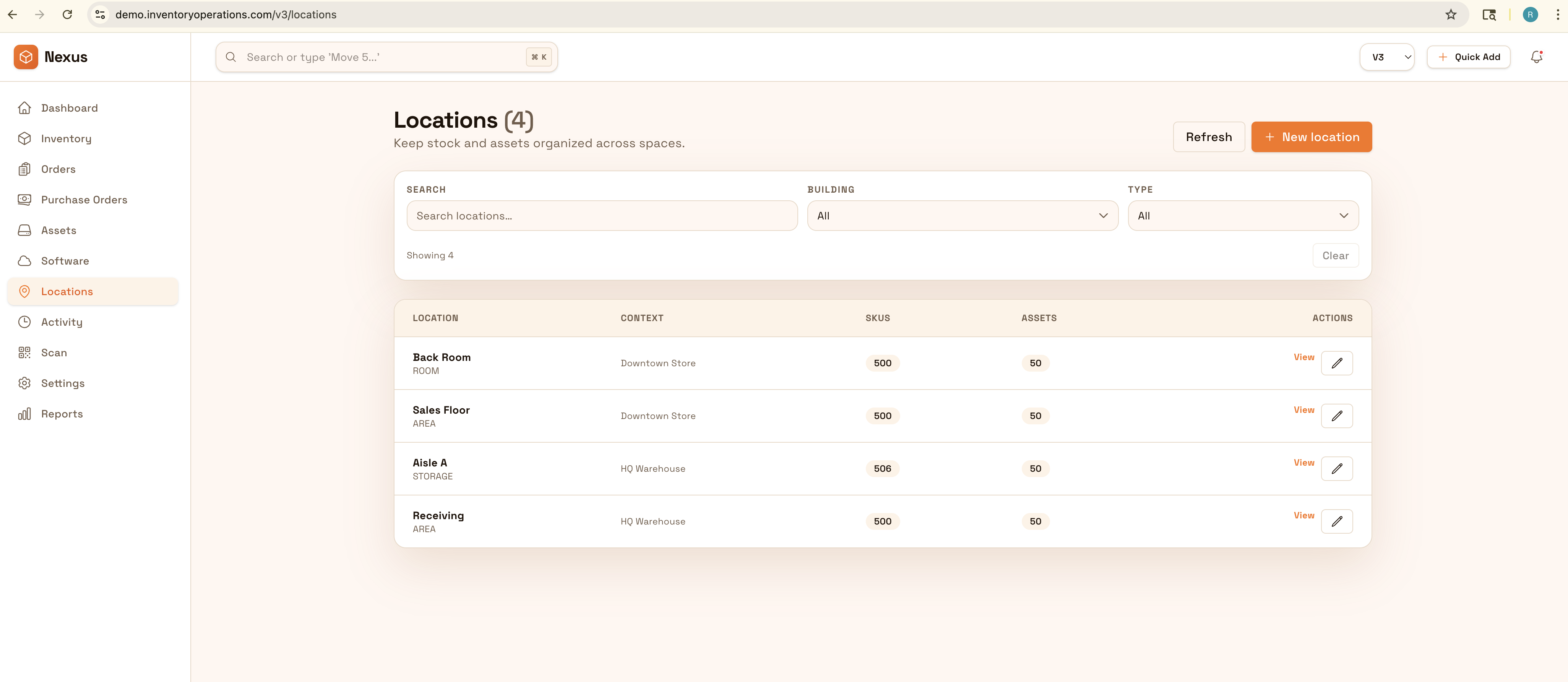
Know where tools and materials are across jobs, crews, and sites with consistent handoffs. Reduce loss and downtime by tracking check-outs, returns, and transfers with audit-ready history.
Reduce job-site downtime and shrink: keep tools and materials traceable across crews, trucks, and jobs with consistent handoffs and export-ready history.


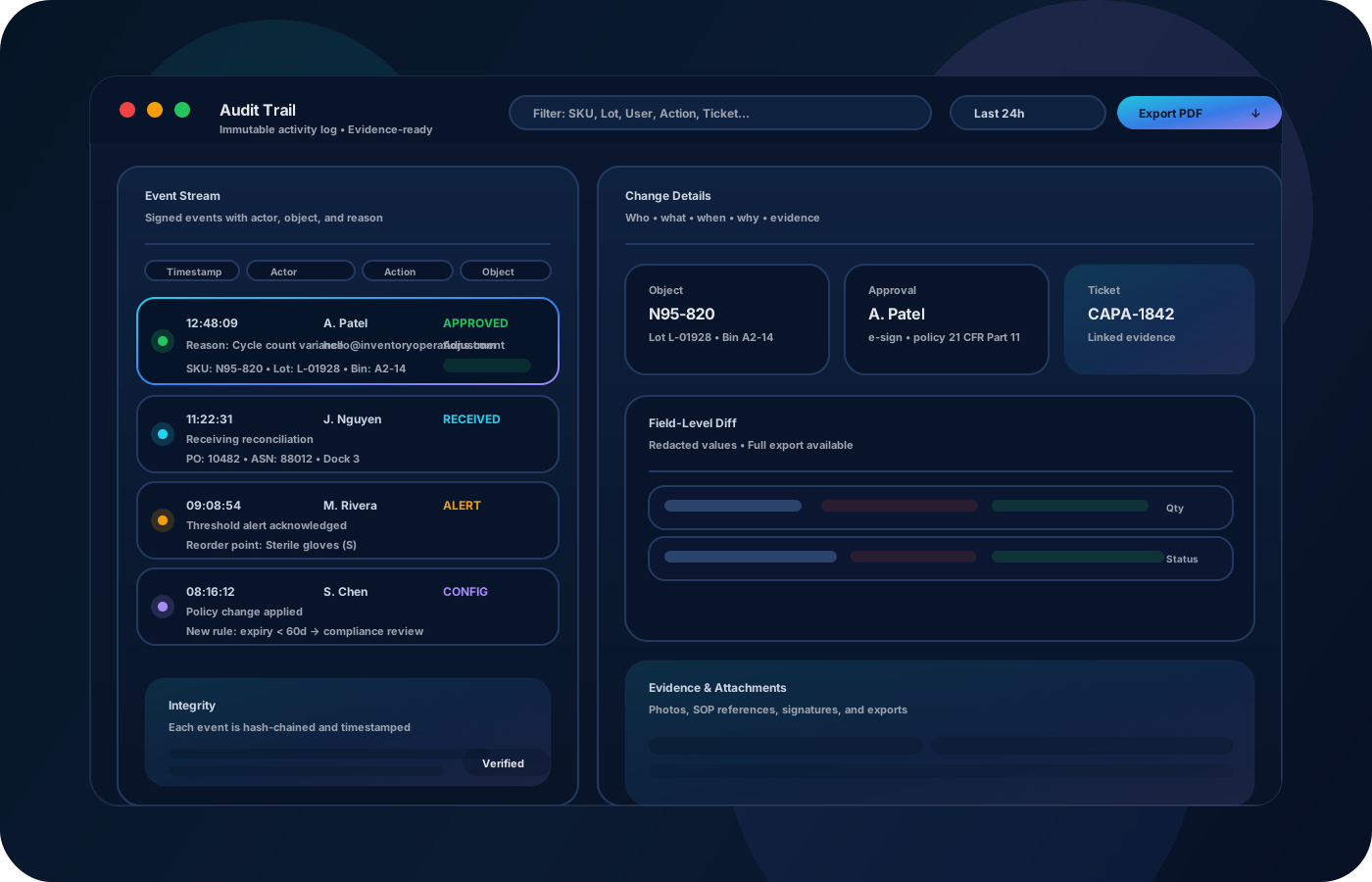
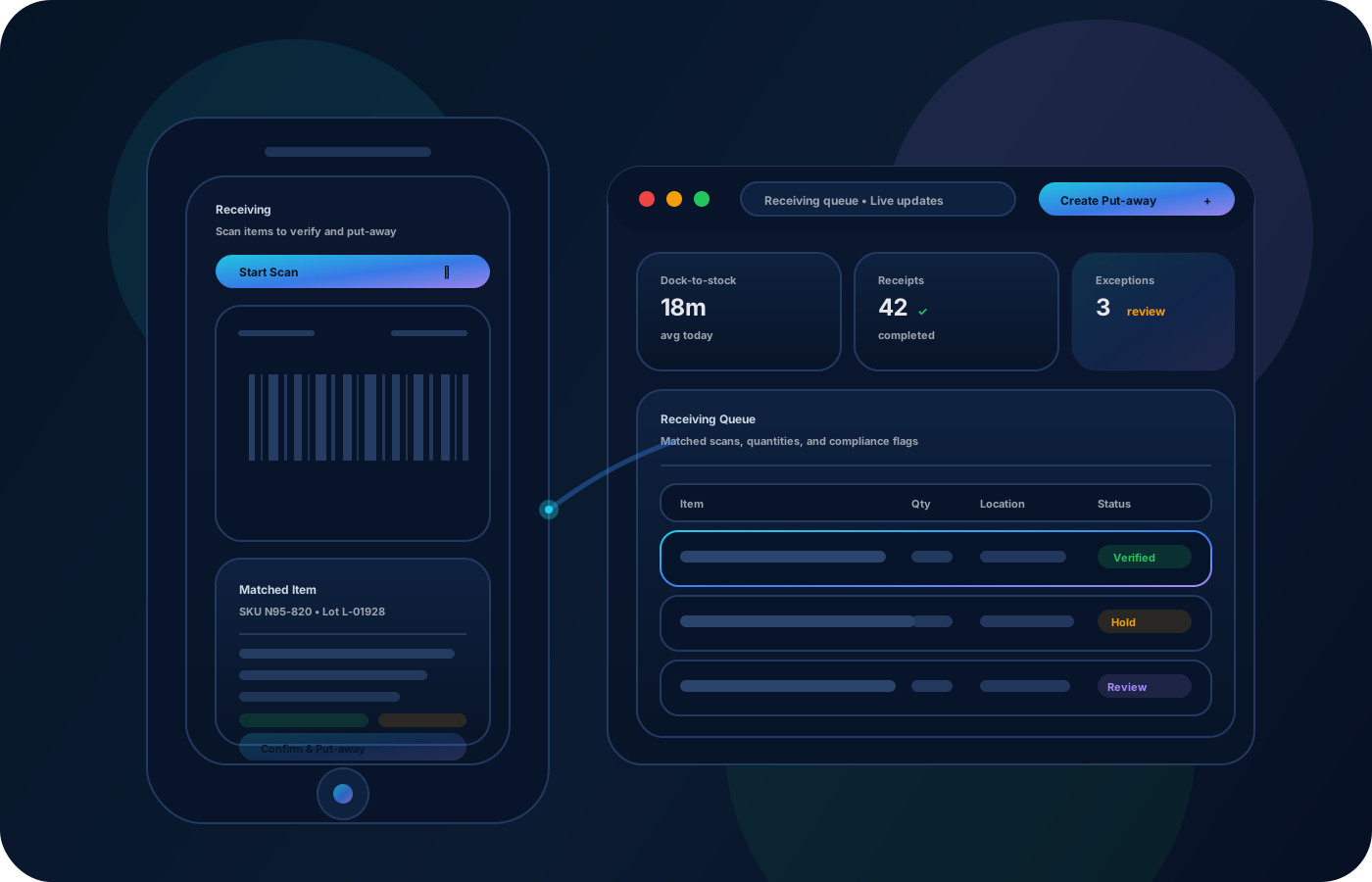
Construction teams lose time and money when tools and materials “walk” between jobs. Strong inventory operations make every handoff traceable—so crews show up with the right gear, projects stay on schedule, and shrink is reduced across sites.
Most teams start here. IO helps you reduce drift, keep accuracy high, and maintain a trail you can trust.
Jobs shift, crews rotate, and inventory follows. Track transfers with destinations so teams always know what’s on which site and truck.
When inventory isn’t visible, teams repurchase to avoid risk. Accountability and clean history reduce unnecessary spend.
Handoffs fail when lists are informal. Standardize check-out/return and transfers so crews start work with the right gear.
IO standardizes tracking, controls, and evidence—so teams can operate confidently across sites and stakeholders.
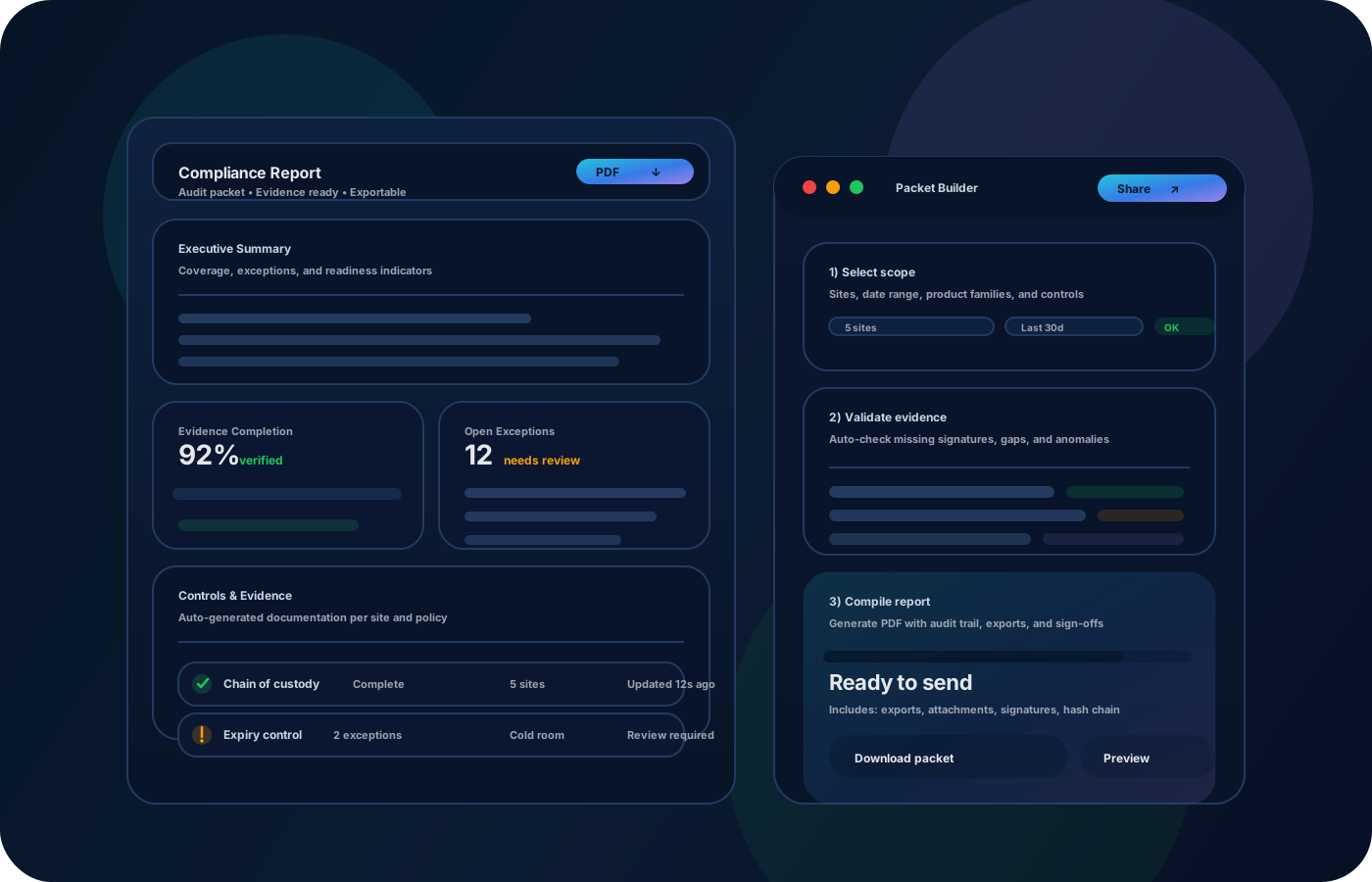
• Tools and materials by crew, truck, and job site • Transfers between jobs with source/destination • Assignments and custody for high-value items • Exceptions (lost, damaged) with notes • Exports for closeout and replenishment
Set up job sites and vehicles so inventory has a clear place to live and move.
Record transfers and check-outs so responsibility is clear as crews change.
Spot check high-value tools and high-velocity materials to prevent drift.
Export lists and history for billing, job closeout, and future reference.
Tell us your compliance and operational requirements. We’ll recommend the right rollout.
Use permissions for sensitive actions (write-offs, adjustments) and preserve custody and movement history to support accountability across sites.
The biggest wins are usually accuracy, speed, and defensible accountability.
Yes—treat each job as a location and record transfers as the job evolves.
Yes—clear handoffs plus custody history significantly reduces “missing” tools.
Yes—mobile-friendly workflows keep data current where work happens.
Exports provide clean lists and history for closeout and billing support.
Start with your trucks + top jobs + high-value tools, then expand coverage.