
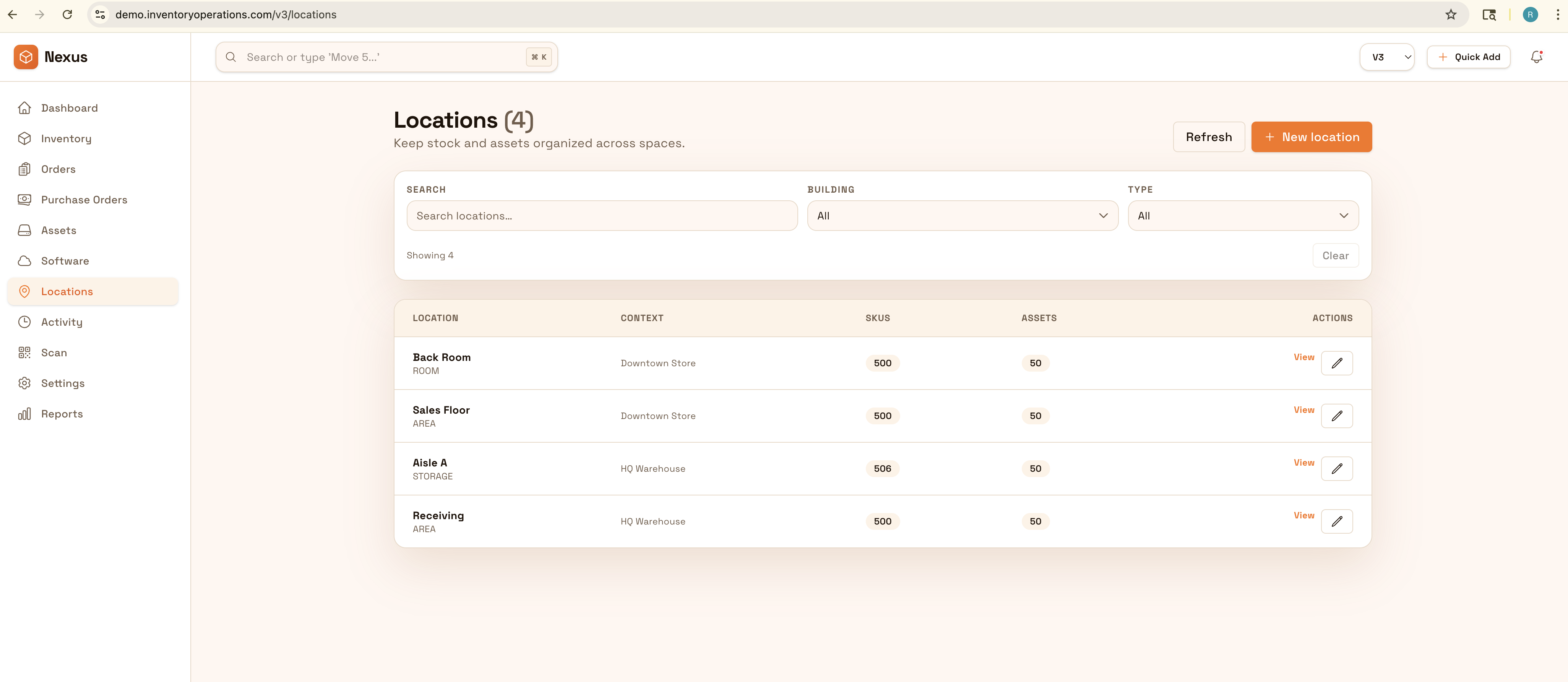
Assets spread across locations
Devices and tools exist in offices, storage, and workspaces. Location structure keeps visibility reliable.
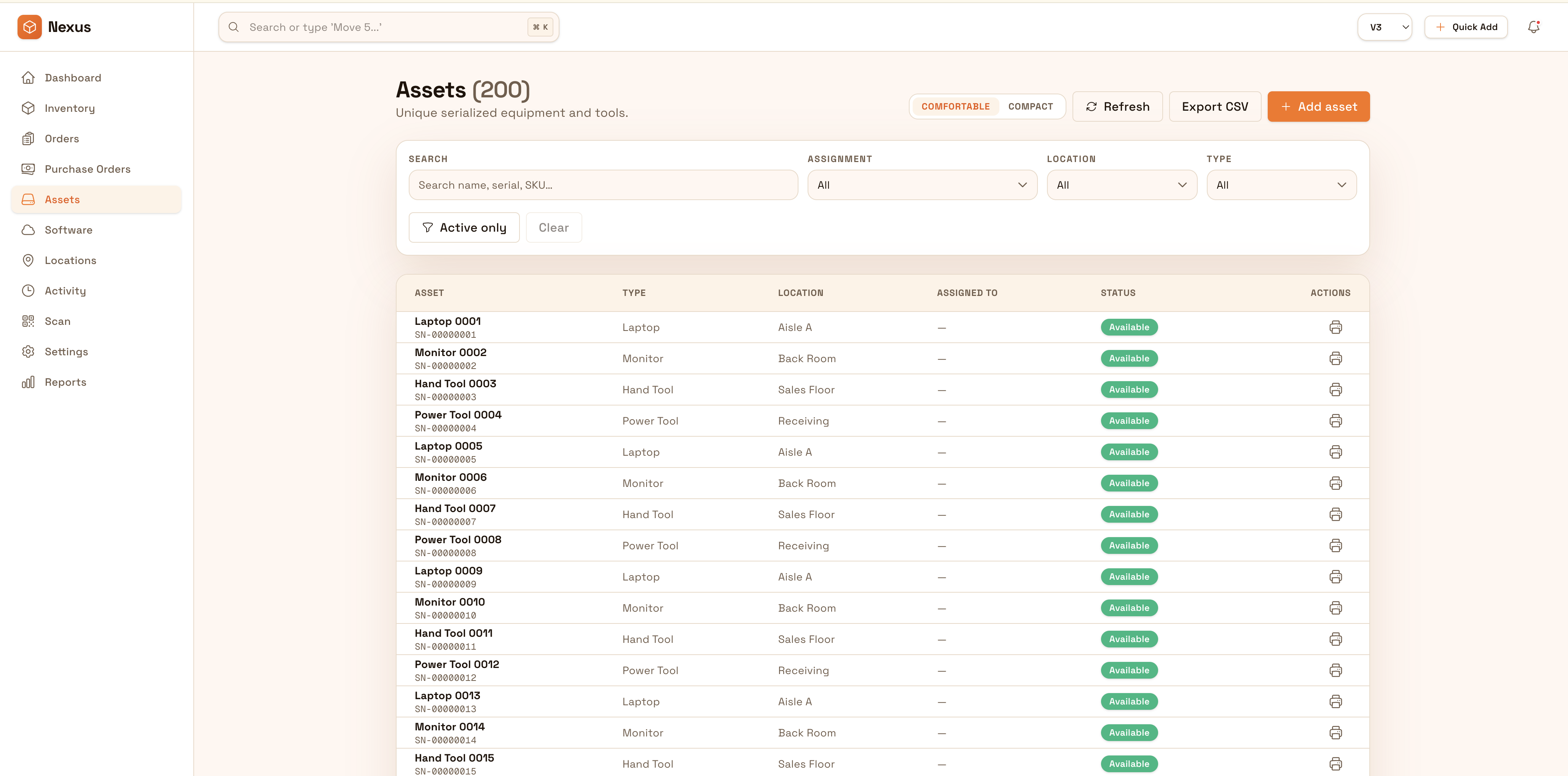
Track lifecycle and custody for laptops, tools, and shared equipment across offices and sites. Standardize assignments, returns, and transfers so teams always know what exists, where it is, and who is responsible.
Keep equipment and devices accountable across offices and sites: track custody, transfers, and lifecycle changes so audits and refresh cycles don’t become manual hunts.


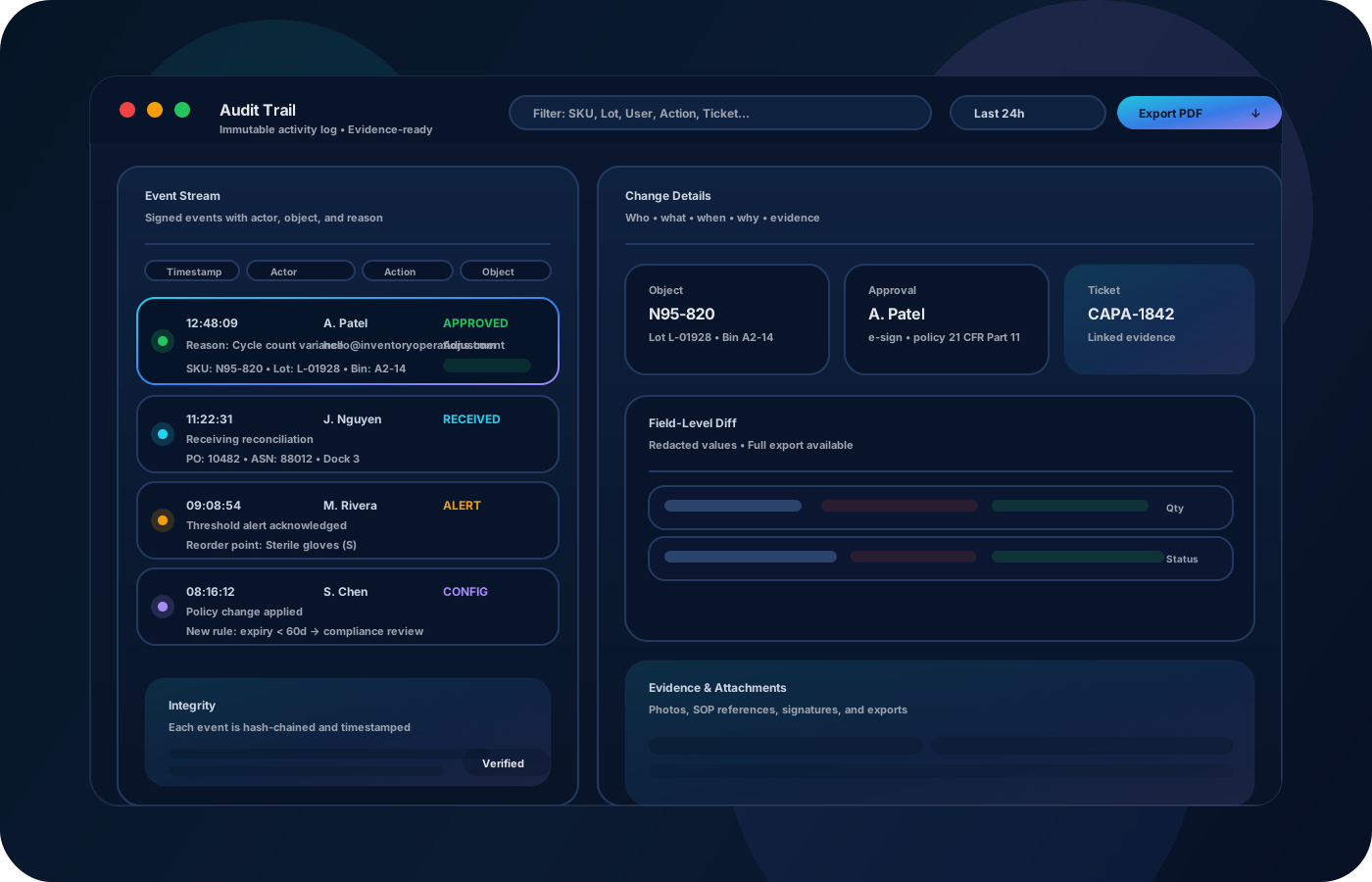
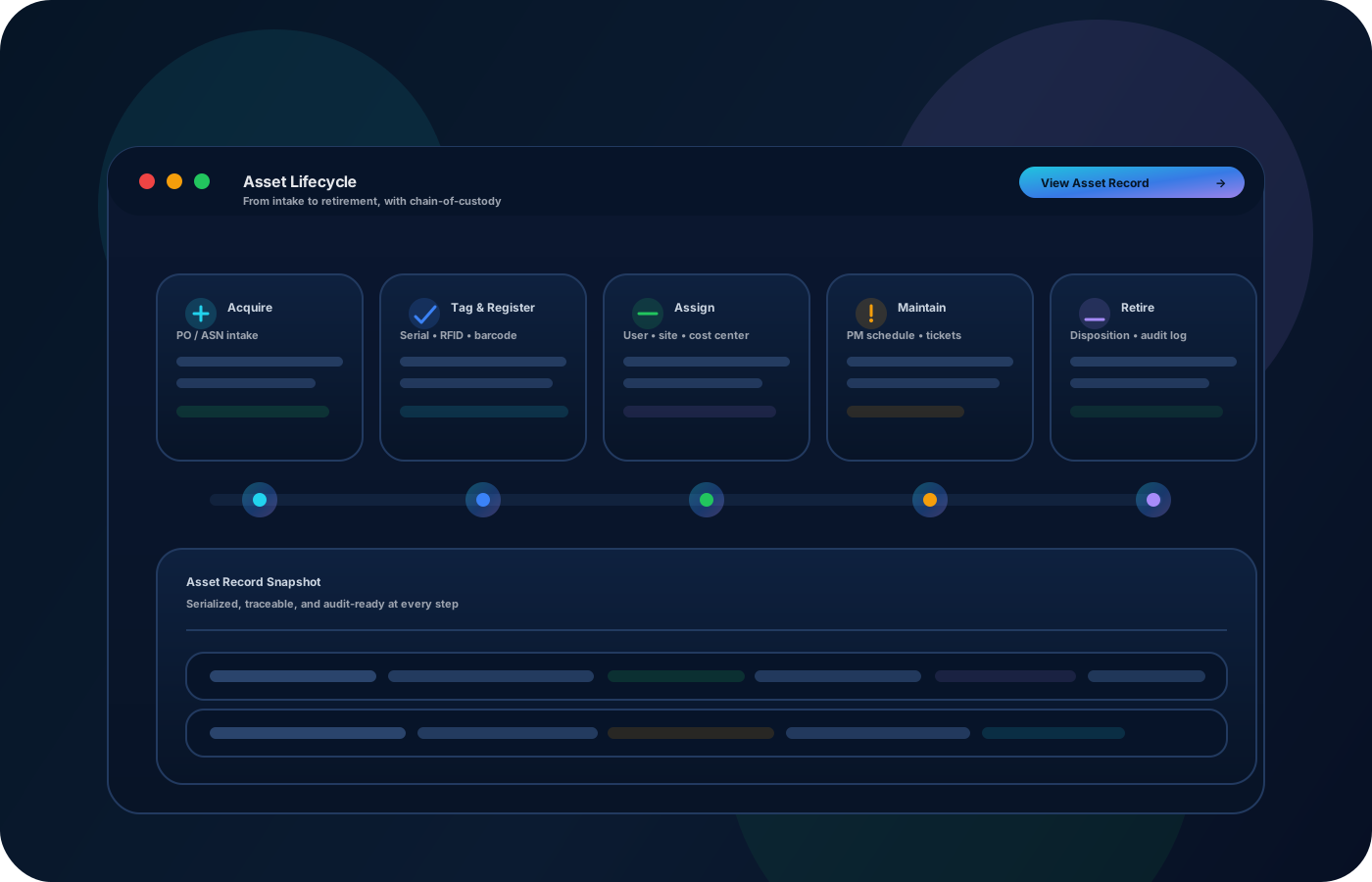
IT and facilities teams manage laptops, tools, and shared equipment across many hands. Inventory operations create clear custody and lifecycle history—so audits are simpler and teams spend less time chasing assets.

Most teams start here. IO helps you reduce drift, keep accuracy high, and maintain a trail you can trust.
Devices and tools exist in offices, storage, and workspaces. Location structure keeps visibility reliable.
When equipment changes hands, responsibility can be vague. Custody history makes accountability clear.
Audits fail when evidence is incomplete. Export-ready reports shorten audits and reduce disruption.
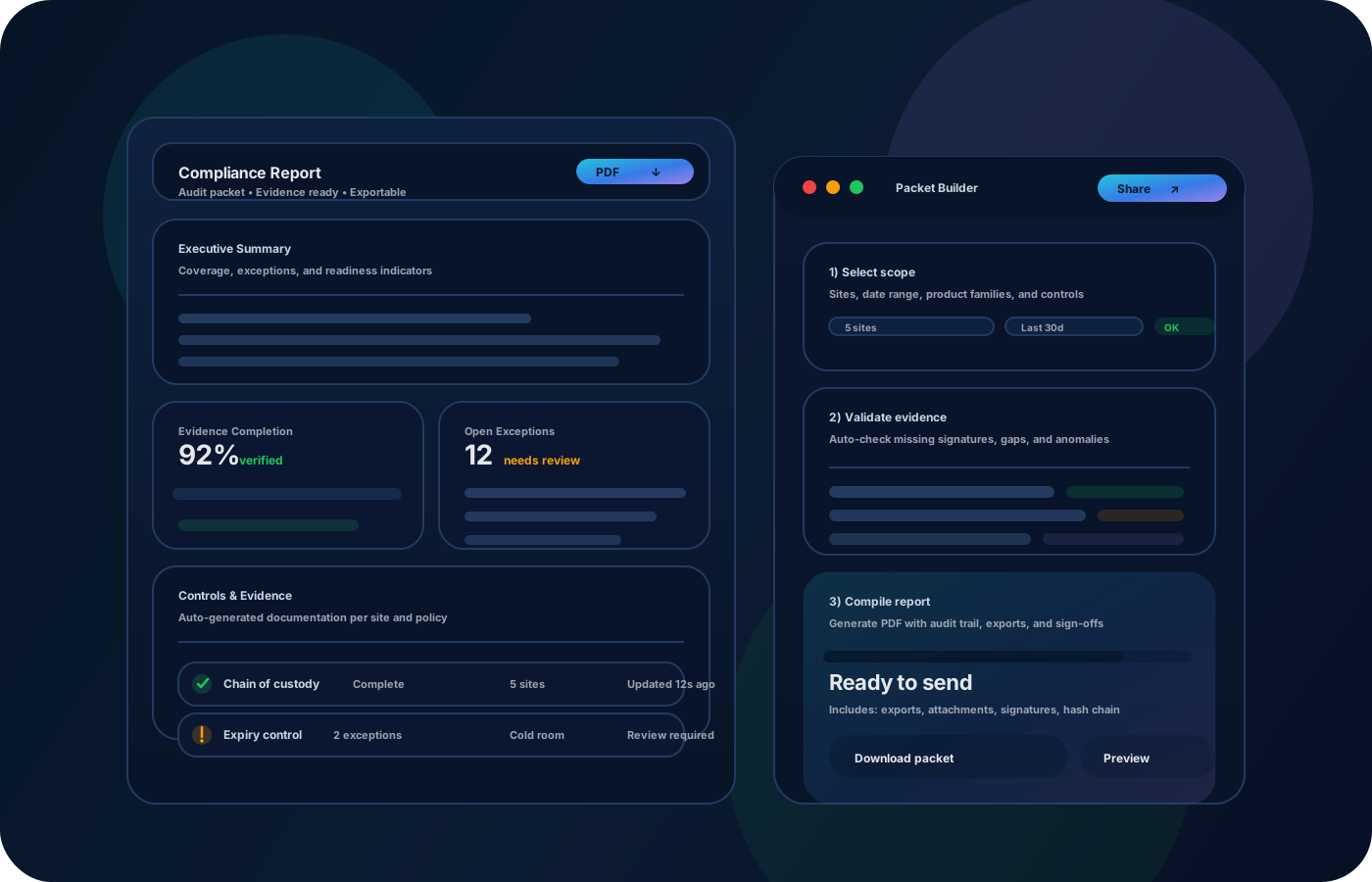
IO standardizes tracking, controls, and evidence—so teams can operate confidently across sites and stakeholders.
• Devices and tools with identity details • Assignments and custody trail • Transfers between offices and sites • Status and lifecycle notes • Exportable inventories for audits and planning
Create consistent asset records with identity and home locations.
Record assignments and transfers so accountability is clear across teams.
Log repairs, spares, and retirement decisions with context.
Export clean inventories and history for audits and refresh planning.
Tell us your compliance and operational requirements. We’ll recommend the right rollout.
Restrict sensitive edits and preserve an audit trail for assignments, movements, and lifecycle changes.
The biggest wins are usually accuracy, speed, and defensible accountability.
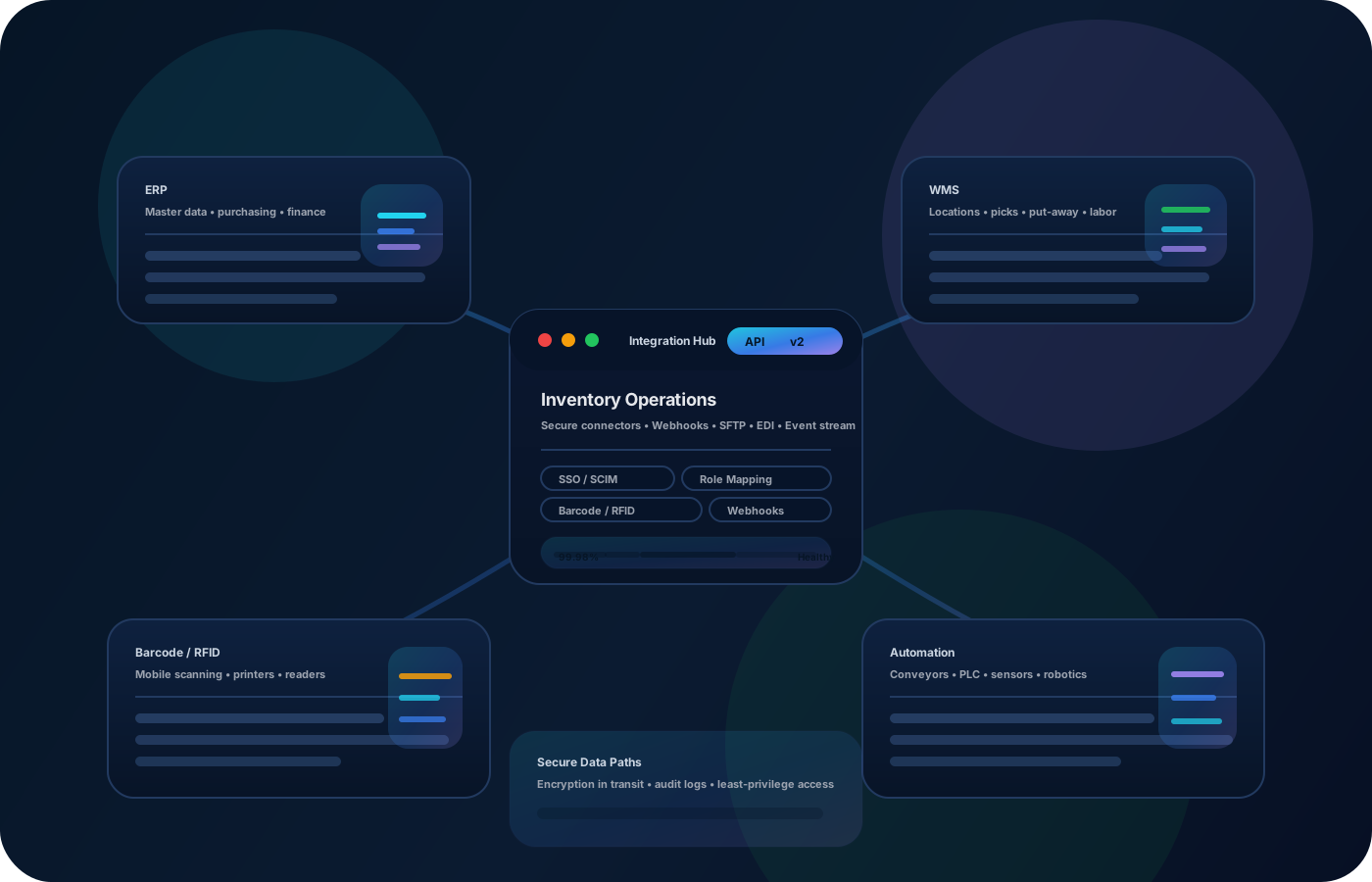
Yes—track any asset type and keep location/custody history consistent.
Yes—export-ready inventories and history reduce audit time significantly.
Yes—use site and sub-location structure for consistent reporting.
Yes—statuses and locations capture repair and spare workflows.
Start with laptops and shared equipment, then expand to tools and facilities assets.