
Manual entry creates errors
Typing and spreadsheet workflows introduce mistakes. Scanning reduces friction and keeps history clean.
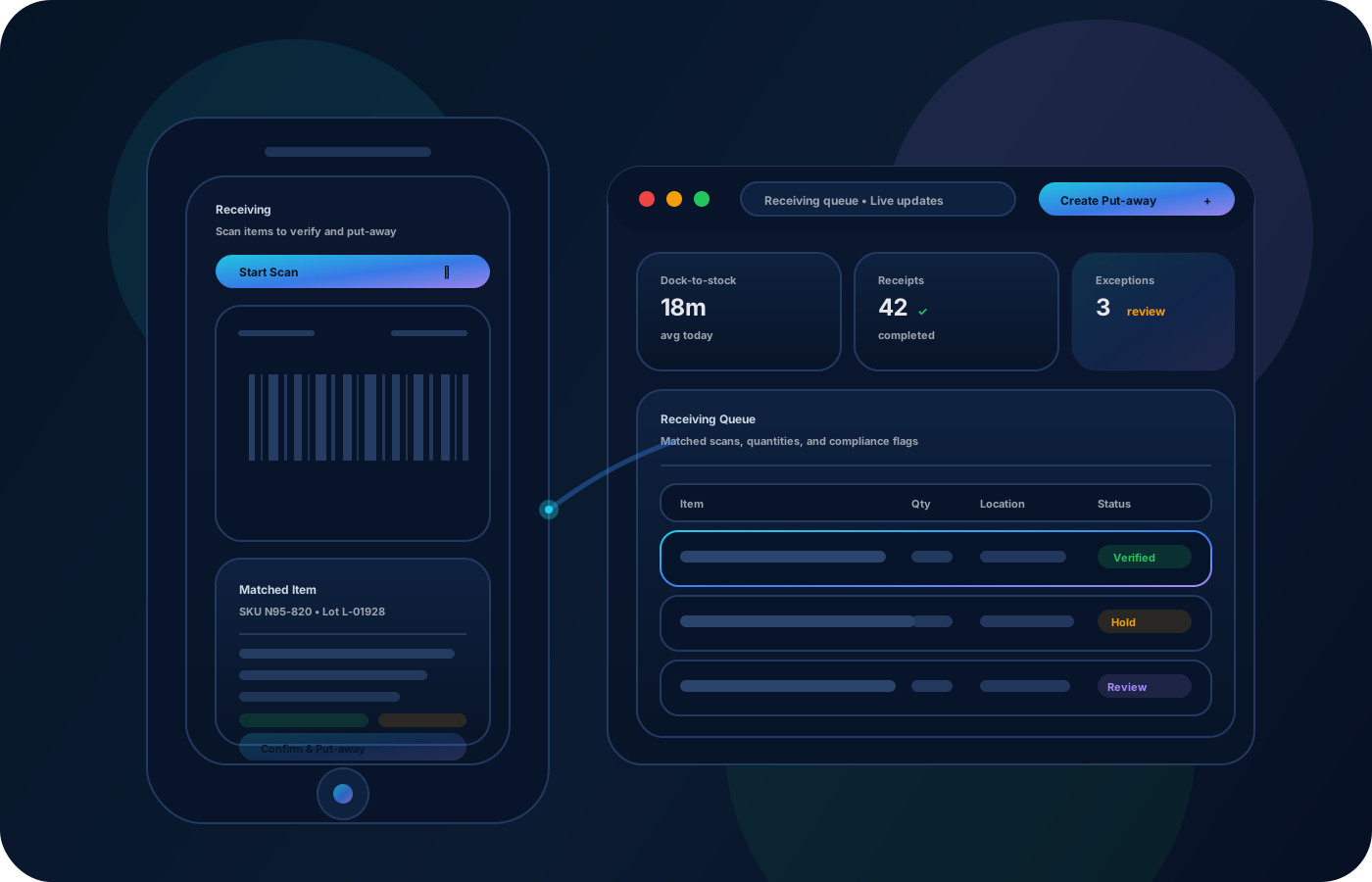
Scan into receiving, transfers, and cycle counts to reduce manual entry and errors. Move faster while keeping a clean, auditable history for investigations, reconciliations, and reviews.
Speed up operations without sacrificing accuracy. Scan receiving, transfers, and counts to reduce manual entry and preserve clean, auditable movement history.


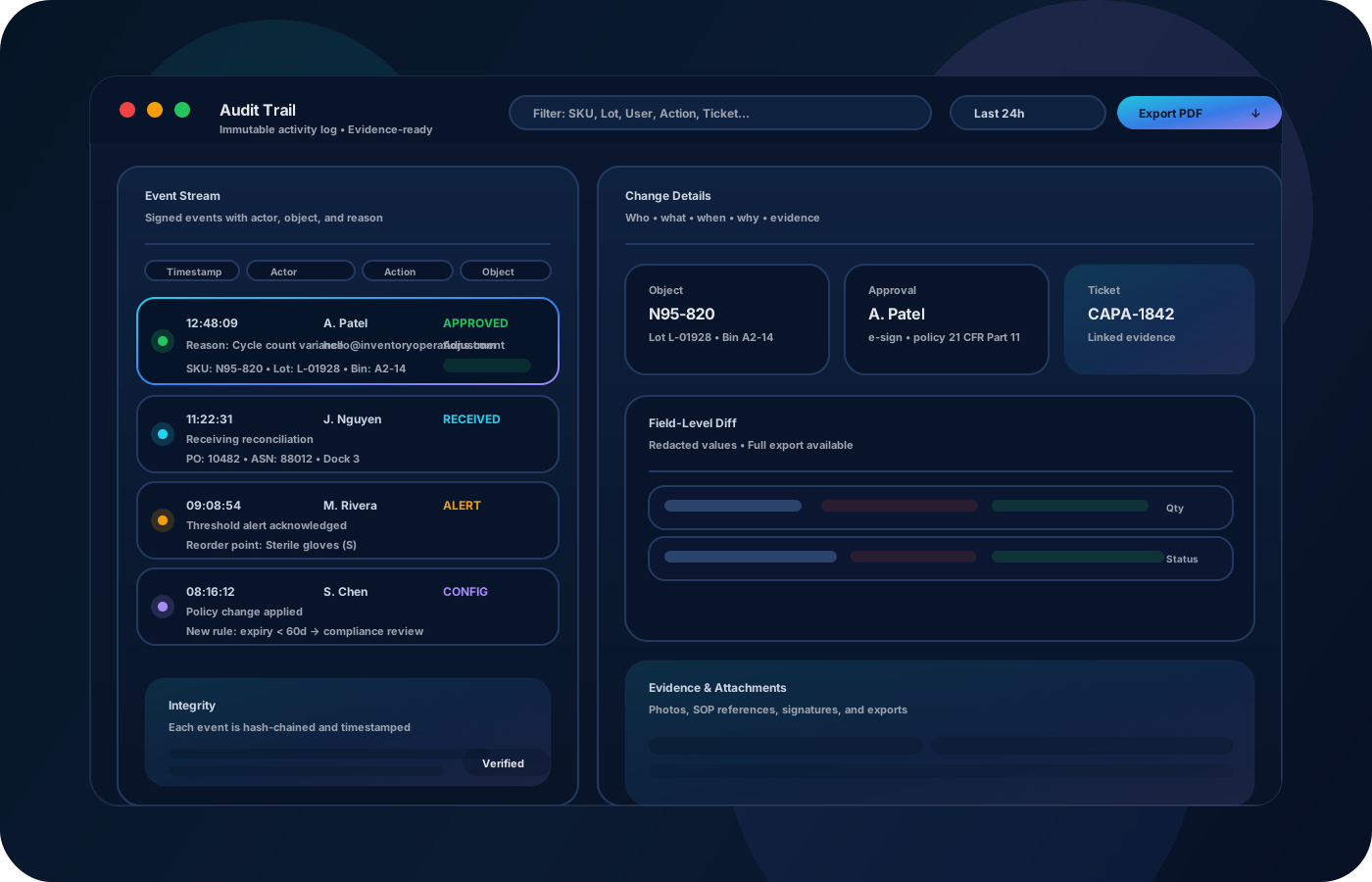
Barcode workflows reduce manual entry and keep movement history clean. Inventory operations built around scanning make receiving, transfers, cycle counts, and audits faster—while preserving traceability you can trust when variance shows up.
Most teams start here. IO helps you reduce drift, keep accuracy high, and maintain a trail you can trust.
Typing and spreadsheet workflows introduce mistakes. Scanning reduces friction and keeps history clean.
If barcodes aren’t standardized, scanning breaks down. Establish simple labeling rules for items and locations.
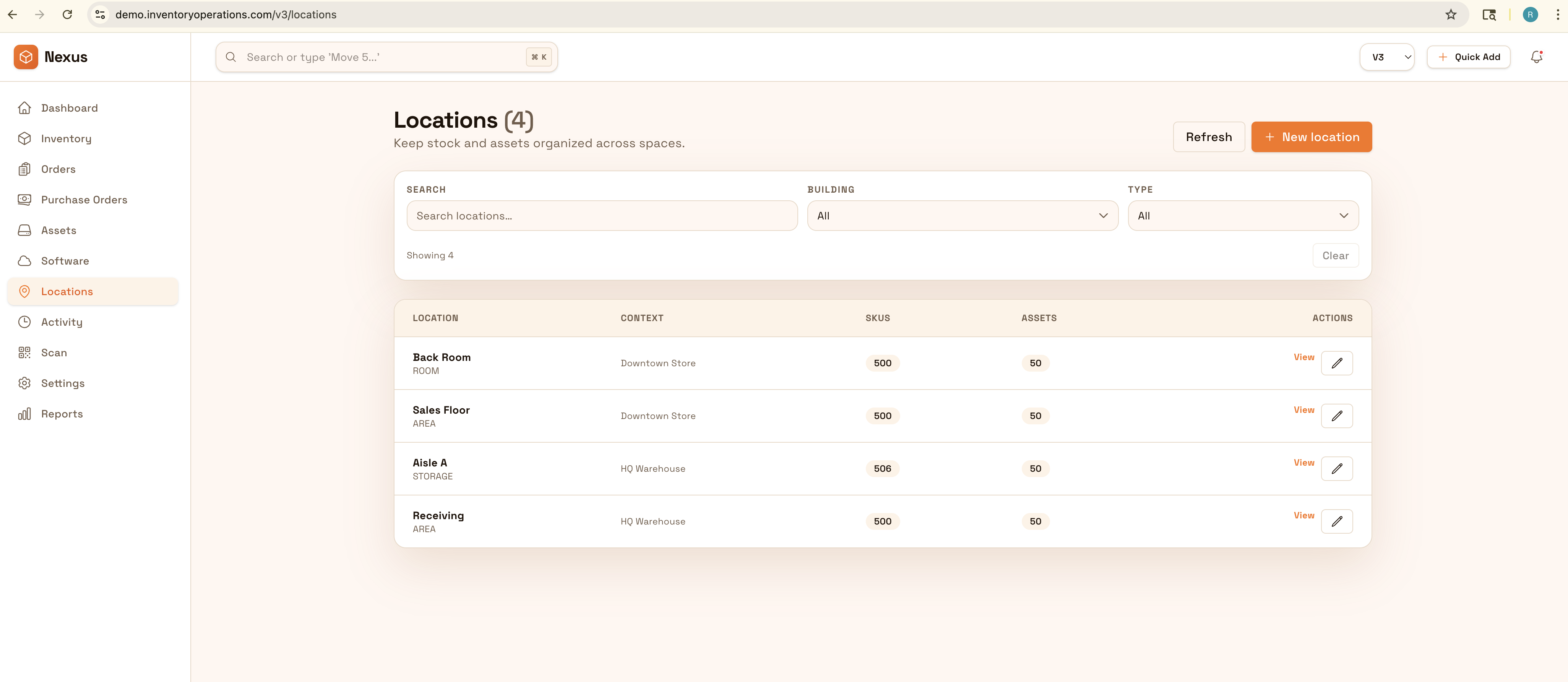
When the workflow isn’t traceable, reviews are slow. Scanning-first workflows produce a reliable trail by default.
IO keeps locations, movement history, and controls connected—so teams can move faster without losing traceability.
• Item and location scans for receiving and put-away • Transfer scans with source/destination locations • Cycle count scans with reconciliation notes • Exceptions (damage, missing) with reason codes • Exports for reviews and downstream systems
Use consistent labels so scanning works the same across teams and sites.
Scan what arrived and where it was placed to keep availability accurate from day one.
Use scanning for moves and cycle counts to reduce errors and speed up operations.
Use exports and reports to support reviews, reconciliations, and investigations.
Share how you run this process today. We’ll recommend the right setup and rollout.
Scanning creates structured events. Combine that with permissions and approvals for sensitive changes to keep evidence defensible.
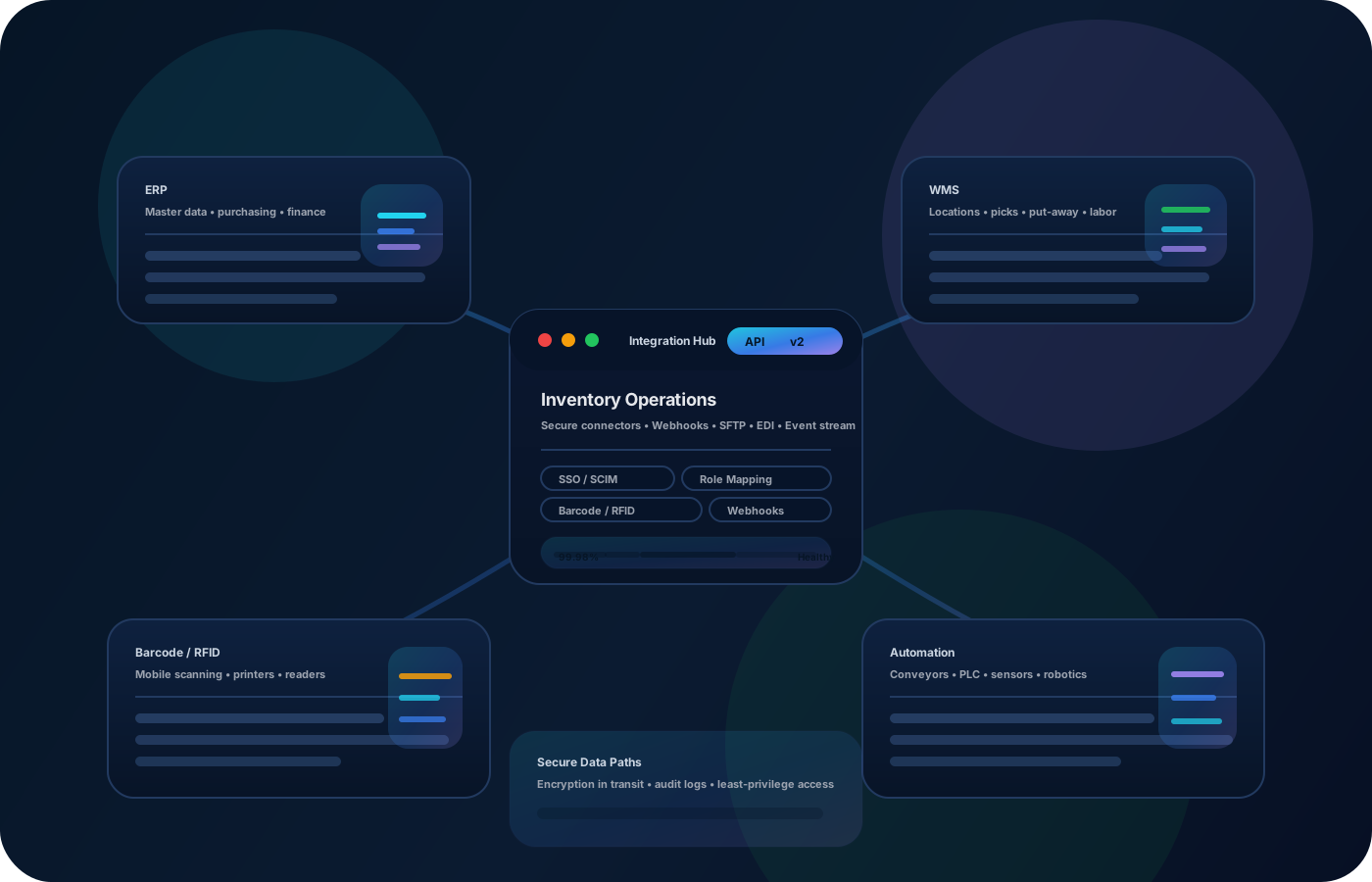
Export scan-based movement history for reporting or integrate with warehouse systems to keep downstream records aligned.
Not necessarily—many workflows work with standard barcode scanners and mobile devices.
Start with locations and your highest-volume items so the workflow stabilizes quickly.
Yes—but scanning reduces errors and creates cleaner history for audits and reconciliation.
Yes—scan-based counts are faster and reduce mismatches caused by manual entry.
Define simple naming and label rules (sites → zones → bins) and apply them everywhere.