
Unknown custody history
If “who has it” requires a search party, you have a custody gap. Record check-outs, returns, and transfers so ownership is always clear.
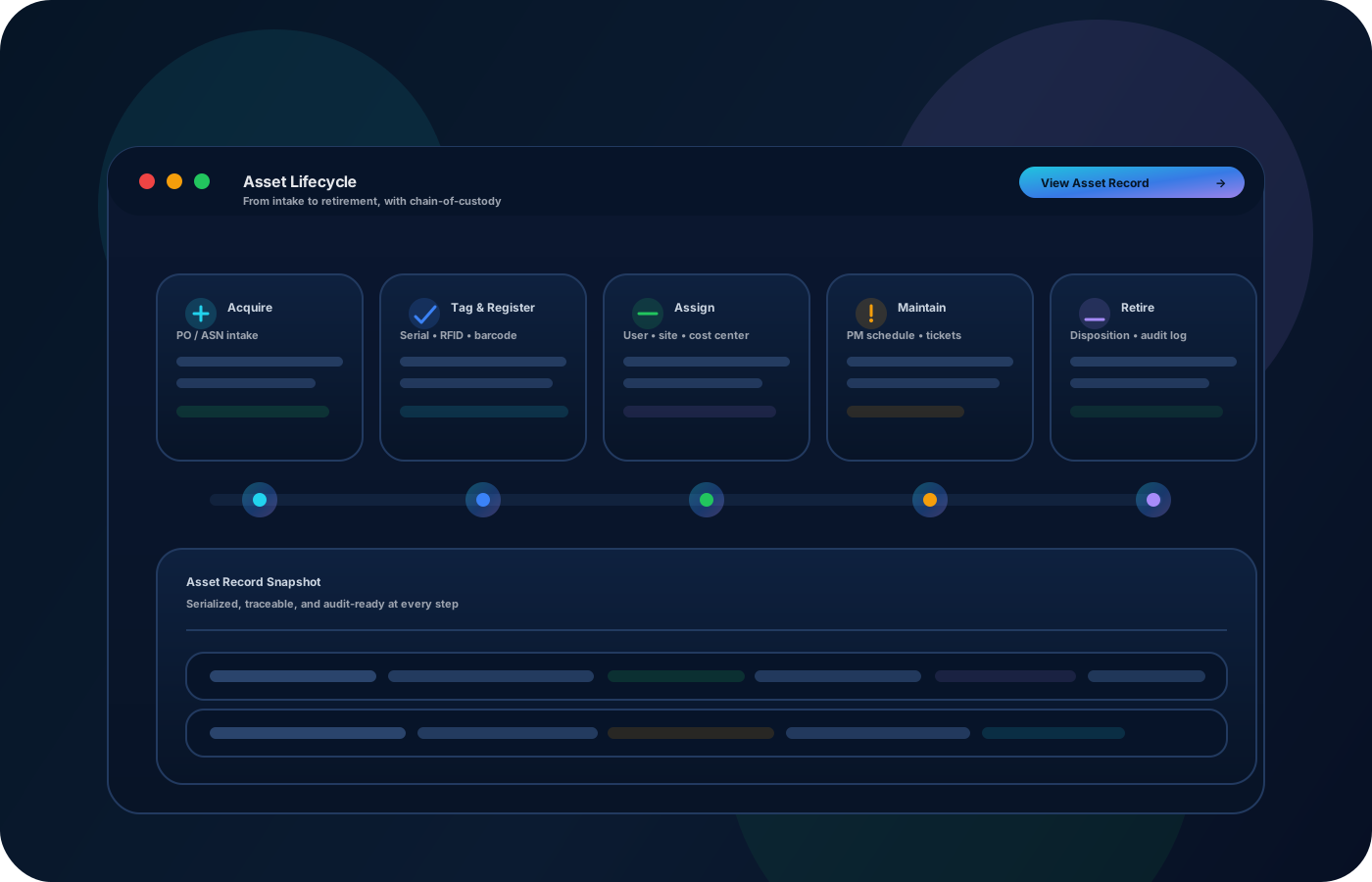
Maintain custody, assignment, and lifecycle history for assets that must be accounted for. Track check-outs, transfers, condition changes, and maintenance notes so audits and reconciliations don’t require manual reconstruction.
Build a custody trail that stands up to audits: track assignments, transfers, maintenance notes, and status changes so assets stay accountable across teams and sites.


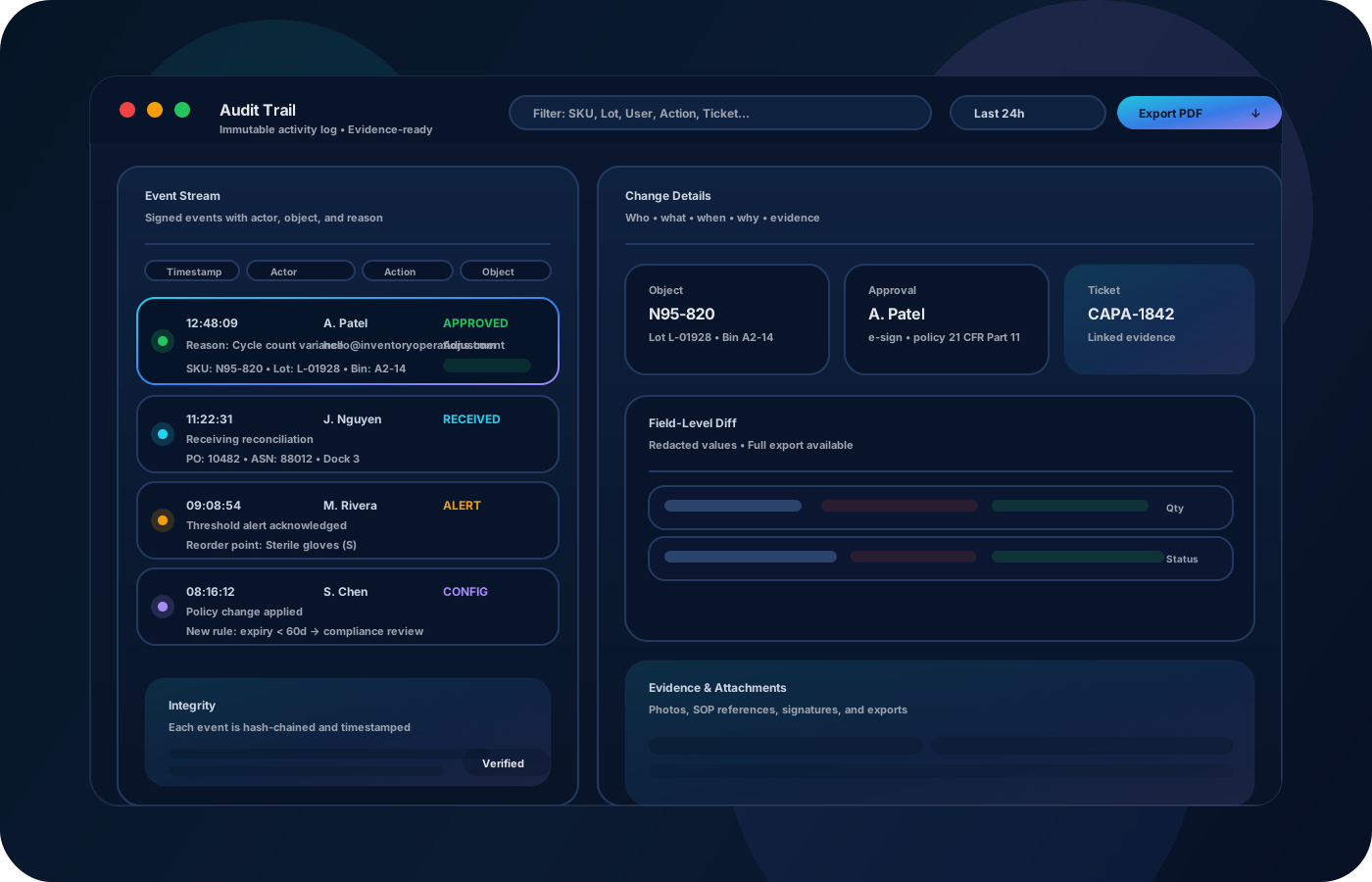
Asset tracking is accountability at scale. Inventory operations create a custody trail (check-outs, returns, transfers) and lifecycle context (condition, maintenance notes, status) so teams can answer “where is it” and “who had it” instantly—without manual reconstruction.

Most teams start here. IO helps you reduce drift, keep accuracy high, and maintain a trail you can trust.
If “who has it” requires a search party, you have a custody gap. Record check-outs, returns, and transfers so ownership is always clear.
Receiving, maintenance, and retirement often live in different places. Keep lifecycle changes attached to the asset record so history is complete.
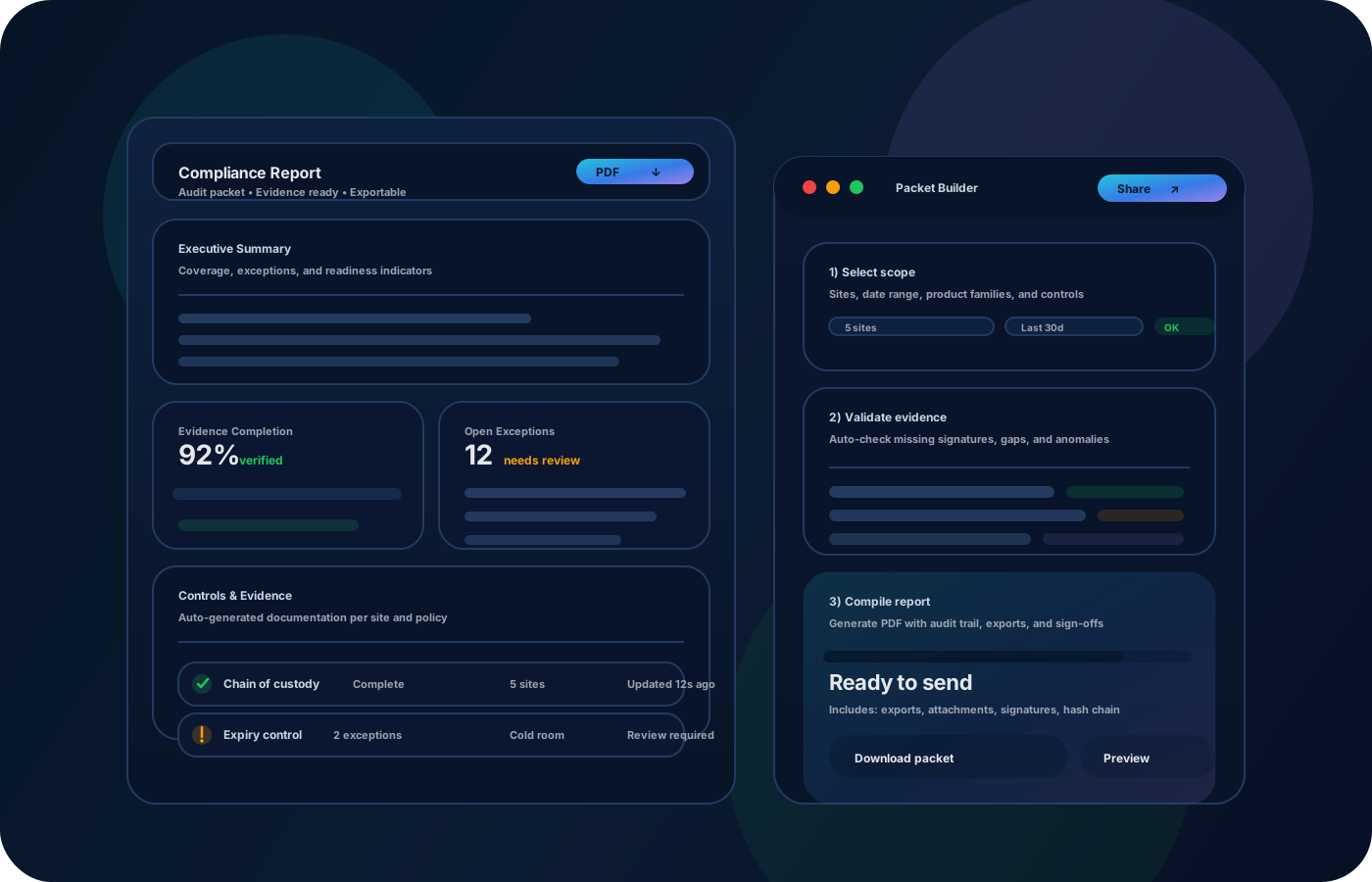
Audits fail when evidence is incomplete. Preserve time, user, and context so reporting is export-ready.
IO keeps locations, movement history, and controls connected—so teams can move faster without losing traceability.
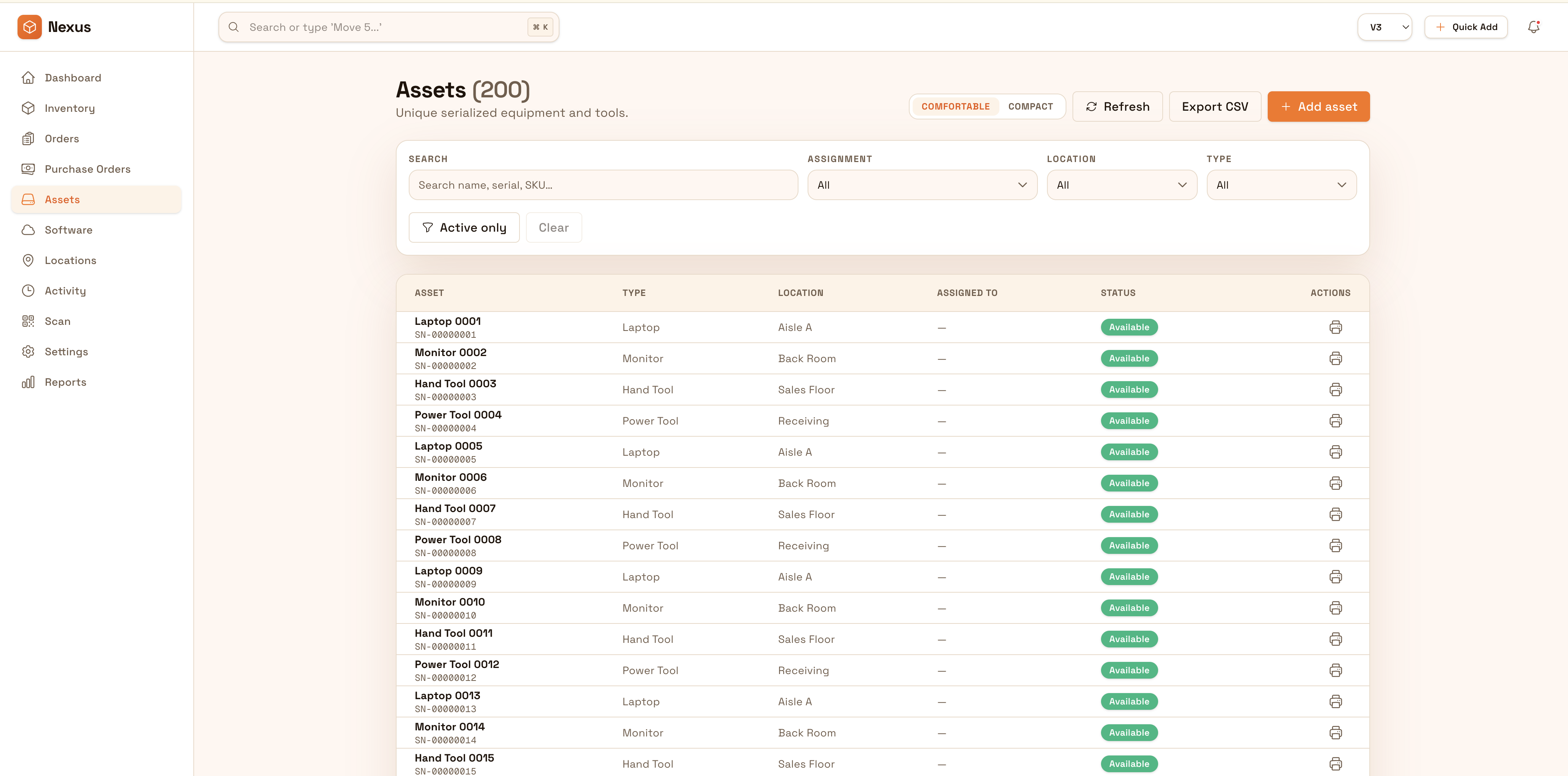
• Asset identity (tag/serial) and current location • Assignments (custody) and handoff history • Condition, status, and lifecycle milestones • Maintenance/inspection notes and attachments • Exports for audits, reconciliations, and reviews
Create a single record per asset with identity details and a home location.
Record check-outs, returns, and transfers so the chain of custody is always visible.
Log maintenance, repairs, status changes, and retirement decisions as part of the asset history.
Run spot checks and export custody/lifecycle reports to close gaps without manual reconstruction.
Share how you run this process today. We’ll recommend the right setup and rollout.
Limit who can change status, retire assets, or edit identity fields. Keep an audit trail so teams can prove custody and lifecycle changes over time.
Export asset lists, custody history, and lifecycle events for audits, finance, and operational reviews. Integrate with ticketing or procurement processes to keep records aligned.
Yes—custody history records check-outs, returns, and transfers so “who had it” is always answerable.
Yes—capture maintenance notes and lifecycle updates within the asset record so history is complete.
Shared assets work well—use locations and custody events to keep accountability clear even when items move frequently.
Yes—spot checks and exports help you reconcile gaps quickly and improve processes over time.
Start with the highest-value assets and a simple custody workflow, then expand to lifecycle and reporting.